15 Best AI Tools for Students in 2026:- Artificial Intelligence is transforming the way students study and complete academic tasks. In 2026, students are no longer limited to textbooks and traditional note-taking methods. AI-powered tools now help learners understand complex topics faster, create structured notes, improve writing, and even design presentations in minutes.
Whether you are preparing for school exams, college assignments, or university research projects, AI tools can make studying more efficient and organized. Instead of spending hours searching for information or managing notes, students can use intelligent tools to simplify these tasks and save valuable time.
In this guide, we will explore the 15 best AI tools for students in 2026 that can help with homework, note-taking, writing, research, presentations, and overall study productivity. These tools are designed to help students learn smarter and manage their academic workload more effectively.
Table of Contents
- Why Students Are Using AI Tools in 2026
- How AI Tools Help Students Study Smarter
- 15 Best AI Tools for Students in 2026
- AI Tools Comparison Table
- Real-World Use Cases for Students
- Expert Tips for Using AI Tools Effectively
- Frequently Asked Questions (FAQs)
- Conclusion
Why Students Are Using AI Tools in 2026
The modern education system has become more demanding than ever before. Students are expected to manage assignments, research projects, group presentations, online learning materials, and exam preparation at the same time. This heavy workload often creates pressure and time management challenges.
AI tools are helping solve many of these problems by making learning more efficient and organized.
Instead of manually performing repetitive tasks, students can rely on AI tools to automate several academic processes. For example, summarizing large chapters, organizing notes, checking grammar in essays, and generating presentation outlines can now be done within seconds.
AI-powered tools are especially popular among students because they help with:
Automating repetitive academic tasks
Improving the speed of research and information gathering
Enhancing the quality of writing and assignments
Organizing notes and study materials efficiently
Saving time during exam preparation
For instance, if a student needs to revise a long textbook chapter, they no longer need to read the entire chapter multiple times. An AI tool can quickly generate a clear summary highlighting the key points, allowing the student to focus on understanding the concepts rather than spending hours on manual note-making.
As a result, students are able to study more strategically and use their time more productively.
How AI Tools Help Students Study Smarter
AI-powered study tools offer several advantages that traditional learning methods cannot provide. They act as digital assistants that help students learn faster, stay organized, and improve the quality of their academic work.
One of the biggest benefits is faster research. Instead of browsing dozens of websites to find reliable information, students can use AI tools to get clear explanations and relevant sources quickly.
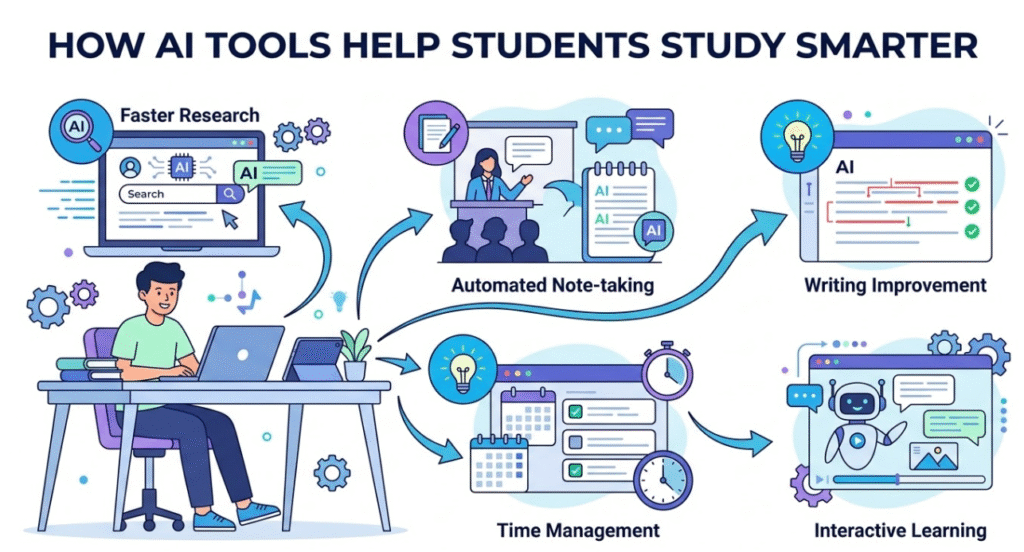
Another major advantage is automated note-taking. Many AI tools can convert long lectures, recorded classes, or lengthy articles into well-structured study notes. This helps students review important information more efficiently.
Writing improvement is another area where AI tools are extremely helpful. These tools can automatically detect grammar mistakes, improve sentence clarity, and suggest better wording. This is especially useful for essays, research papers, and assignments where writing quality matters.
Time management is also easier with AI productivity tools. Students can track deadlines, organize assignments, and plan study sessions more effectively.
Perhaps the most exciting benefit is interactive learning. Some AI tools function like intelligent tutors that explain difficult concepts step by step, making complex subjects easier to understand.
Because of these capabilities, AI tools are quickly becoming an essential part of modern education. Students who learn how to use them wisely can improve their productivity, strengthen their understanding of subjects, and manage their academic workload more efficiently.
Smart Tip for Students Using AI
AI tools should be used as learning assistants, not shortcuts. The best way to benefit from AI is to use it for understanding concepts, organizing information, and improving your work — not simply copying answers.
Students who combine AI assistance with their own critical thinking often achieve better academic results and develop stronger learning skills.
15 Best AI Tools for Students in 2026
Below are some of the most powerful AI tools that students can use to improve their learning, complete homework faster, and stay organized during their academic journey. These tools help with writing, research, note-taking, presentations, and productivity. When used wisely, they can significantly reduce study time while improving the quality of assignments and projects.
1. ChatGPT
Key Features
- AI-powered research and learning assistant
- Helps explain difficult topics step-by-step
- Supports essay writing and brainstorming
- Assists with coding and technical subjects

Pros
- Extremely versatile and useful for many subjects
- Can simplify complex concepts into easy explanations
- Great for brainstorming ideas and structuring assignments
Cons
- Students should always verify important facts
- Some advanced capabilities are available only in paid plans
Best Use Case
This tool works best when students need help understanding difficult topics, generating ideas for essays, or getting assistance with homework questions.
Pricing
Free version available, with optional premium plans for advanced features.
Extra Tip for Students
Instead of simply asking for answers, try asking the AI to explain the concept step-by-step or provide examples. This approach improves understanding and helps with exam preparation.
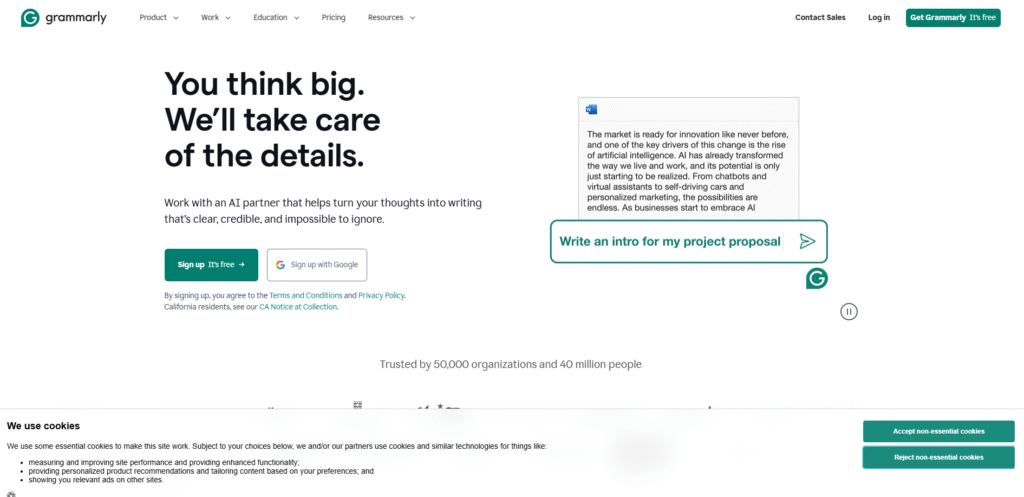
2. Grammarly
Key Features
- Advanced grammar and spelling correction
- Tone and clarity suggestions
- AI-powered writing improvements
Pros
- Helps students produce more professional assignments
- Very easy to use for beginners
- Works on browsers, documents, and email platforms
Cons
- Some advanced writing suggestions require a paid plan
Best Use Case
Ideal for editing essays, research papers, and academic assignments before submission.
Read also:- Best WhatsApp Marketing Tools for Online Stores in India (2026 Advanced Guide)
Pricing
Offers both free and premium versions.
Extra Tip for Students
After finishing your essay, run it through Grammarly to identify grammar mistakes, unclear sentences, and weak vocabulary. This can significantly improve the quality of your writing.
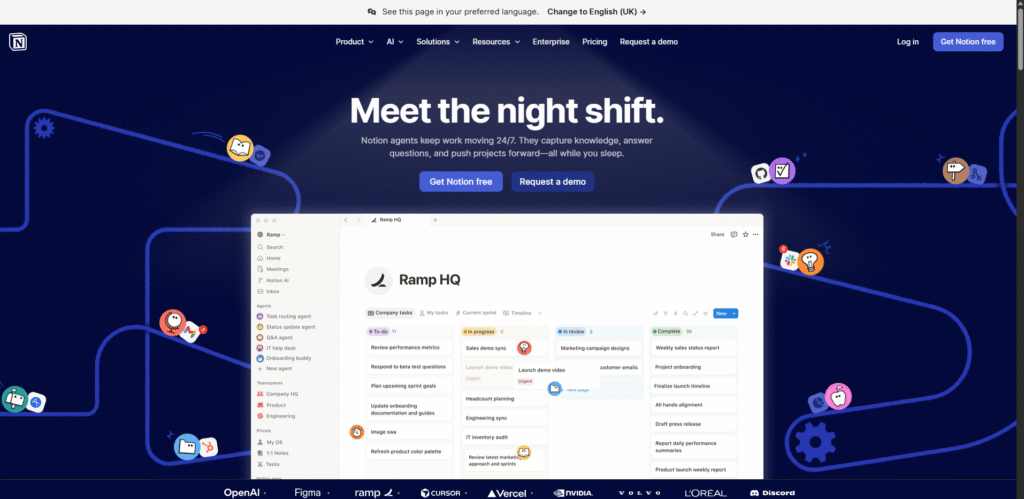
3. Notion AI
Key Features
- Smart note-taking and organization
- AI-powered summaries of long text
- Task and project management tools
Pros
- Excellent for organizing notes and study materials
- Combines productivity tools and AI in one platform
- Helps students track assignments and deadlines
Cons
- New users may take some time to understand all features
Best Use Case
Perfect for students who want to organize lecture notes, study plans, and research material in one place.
Pricing
Free plan available with additional paid options.
Extra Tip for Students
Create a dedicated study dashboard in Notion where you track subjects, assignments, deadlines, and revision schedules.
4. QuillBot
Key Features
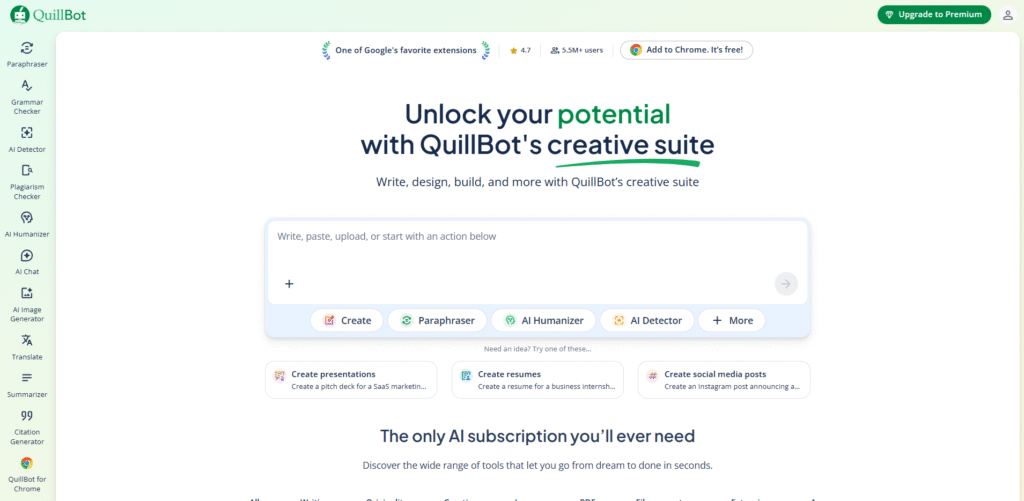
- Advanced paraphrasing for sentences and paragraphs
- Grammar correction tools
- Text summarization
Pros
- Helps improve clarity and structure of writing
- Useful for rewriting research content in your own words
Cons
- Free version provides limited rewriting modes
Best Use Case
Best for paraphrasing essays, improving sentence structure, and simplifying research material.
Pricing
Free version available with optional premium plans.
Extra Tip for Students
Use QuillBot to rewrite complicated academic language into simpler sentences, which helps when preparing revision notes.
5. Canva
Key Features
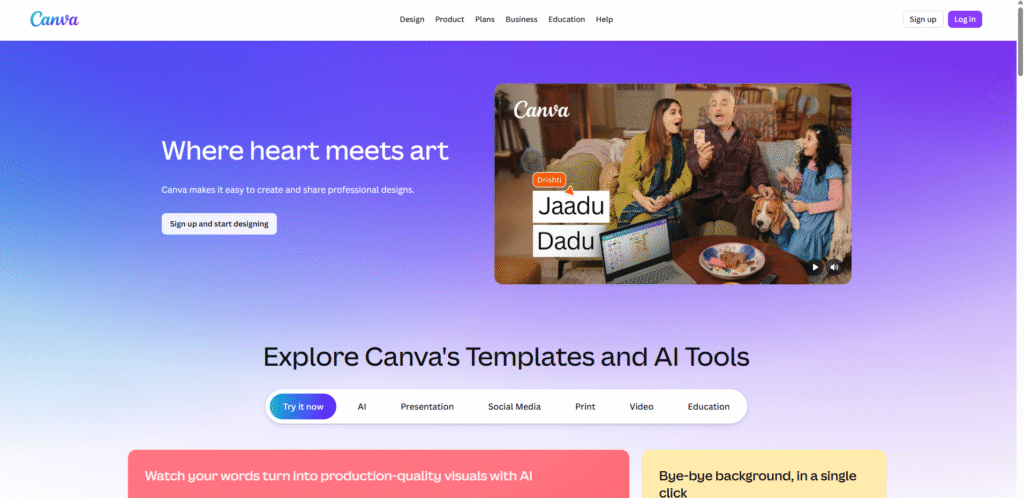
- AI-powered presentation generator
- Thousands of templates for slides and infographics
- Tools for creating visual assignments
Pros
- Makes presentation design extremely easy
- Huge library of templates, graphics, and icons
- No advanced design skills required
Cons
- Some premium templates and graphics require a paid plan
Best Use Case
Excellent for creating presentations, visual projects, and infographic assignments for school or college.
Pricing
Free plan available with optional premium features.
Extra Tip for Students
When preparing a presentation, try using infographics instead of large text blocks. Visual information is easier for teachers and classmates to understand and remember.
More Powerful AI Tools for Students in 2026
Along with the tools mentioned earlier, several other AI-powered platforms are helping students learn faster, take better notes, and prepare for exams more effectively. These tools focus on lecture recording, research assistance, presentations, and revision strategies that make studying more organized and efficient.
Below are additional AI tools that students can use to boost their productivity and learning outcomes.
6. Otter.ai
Key Features
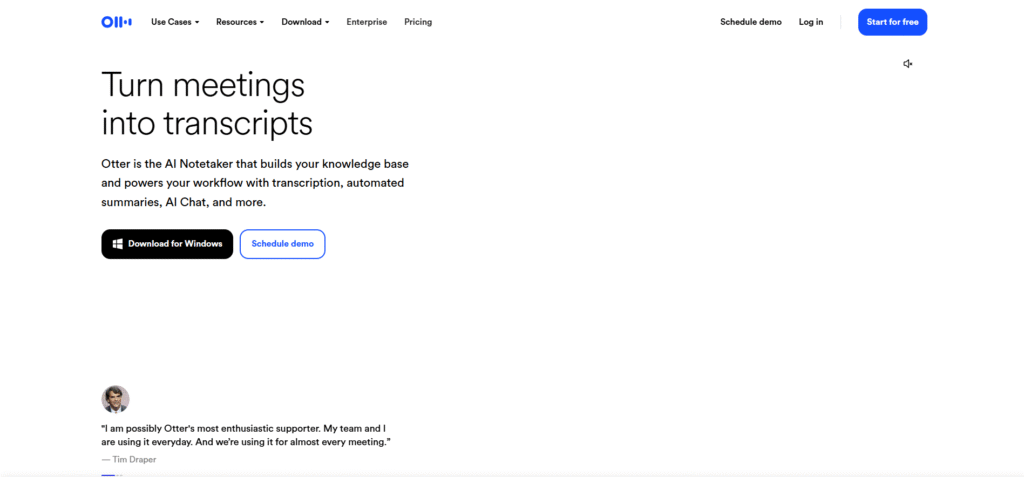
- Converts spoken lectures into written text automatically
- Real-time voice-to-text note creation
- Generates summaries of lectures and discussions
Pros
- Saves students from manually writing long lecture notes
- Highly accurate transcription for recorded classes
- Helps review important lecture points later
Read Also:- ChatGPT Secrets & Updates 2026: Smart Hidden Settings to Become an AI Power User
Cons
- The free version provides limited transcription minutes
Best Use Case
Perfect for recording lectures and automatically converting them into structured notes that students can review later.
Pricing
Free plan available with optional premium upgrades.
Smart Study Tip
Record your lecture using Otter.ai and later highlight the key concepts or formulas from the transcript. This helps create quick revision notes before exams.
7. Khanmigo
Key Features
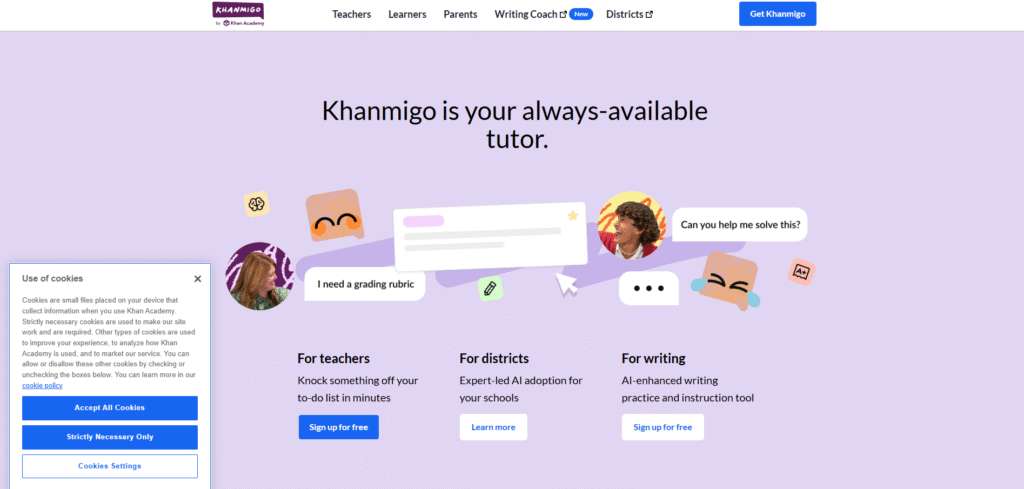
- AI-based tutoring assistance
- Provides explanations for math and science concepts
- Interactive question-and-answer learning
Pros
- Excellent for understanding difficult academic concepts
- Built on a trusted educational platform
- Encourages step-by-step learning rather than direct answers
Cons
- Not available in all regions yet
Best Use Case
Ideal for students who struggle with subjects like mathematics, physics, or chemistry and need guided explanations.
Pricing
Available with both free access and subscription options.
Smart Study Tip
Use Khanmigo to practice solving problems step-by-step instead of just reading solutions. Active learning improves memory and understanding.
8. Perplexity AI

Key Features
- AI-driven search engine for research queries
- Provides answers along with source references
- Useful for academic research and fact-checking
Pros
- Shows citations and references for answers
- Helps students quickly gather research material
- Reliable for finding academic information
Cons
- Requires a stable internet connection
Best Use Case
Best for research assignments, academic projects, and gathering credible information quickly.
Pricing
Free plan available.
Smart Study Tip
When doing research, always open and read the original sources provided by the AI. This helps ensure accuracy and strengthens your assignments.
9. SlidesAI
Key Features
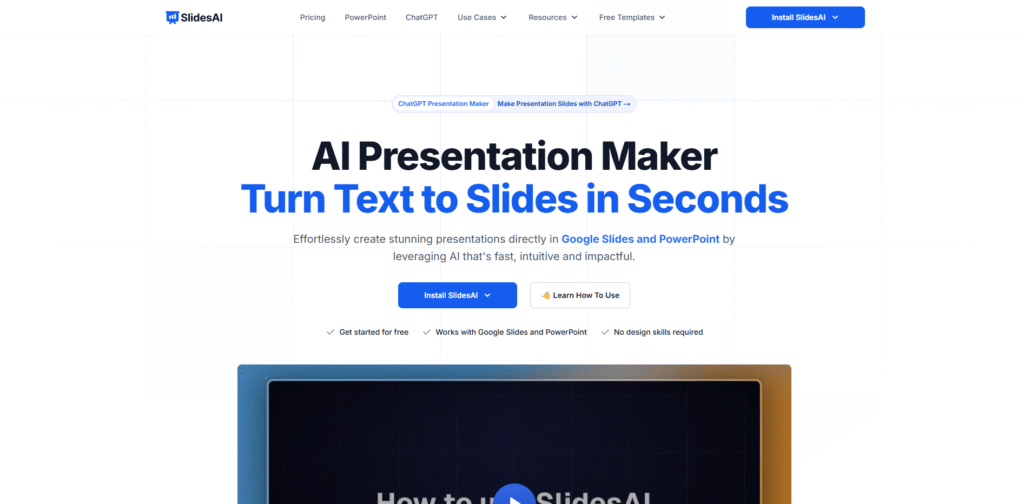
- Converts written text into presentation slides
- Automates slide creation process
- Direct integration with Google Slides
Pros
- Saves significant time when preparing presentations
- Automatically structures content into slides
Cons
- Customization options can be limited in the free version
Best Use Case
Perfect for creating quick class presentations from essays, reports, or notes.
Pricing
Free plan available with paid upgrades.
Smart Study Tip
Use SlidesAI to generate the basic slides first, then add images, diagrams, and examples to make your presentation more engaging.
10. Gamma
Key Features
- Automatically generates slides using AI
- Offers modern design layouts
- Helps convert ideas into visual presentations
Pros
- Creates professional-looking slides quickly
- Simple and user-friendly interface
Cons
- Some advanced features require a paid subscription
Best Use Case
Ideal for creating professional academic presentations and project reports.
Pricing
Available in free and paid plans.
Smart Study Tip
Use Gamma to structure your presentation story first, then add examples and visuals to make your explanation clearer.
11. Jasper AI
Key Features
- AI-powered content generation
- Idea brainstorming for writing tasks
- Helps structure articles and essays
Pros
- Produces content quickly
- Helpful when students struggle to start writing
Cons
- More expensive than many student-focused tools
Best Use Case
Useful for generating essay drafts or brainstorming ideas for academic writing.
Pricing
Primarily available through paid plans.
Smart Study Tip
Use Jasper to generate an outline or starting draft, then rewrite it in your own words to maintain originality.
12. Wordtune
Key Features
- Rewrites sentences for clarity and readability
- Suggests alternative sentence structures
- Helps improve tone and flow in writing
Pros
- Improves academic writing quality
- Makes sentences clearer and more professional
Cons
- Free version has limited daily usage
Best Use Case
Best for improving the clarity and structure of assignments or essays.
Pricing
Available in both free and premium versions.
Smart Study Tip
Use Wordtune to shorten long sentences in assignments. Clear and concise writing makes your work easier for teachers to read.
13. Mindgrasp AI
Key Features
- Summarizes videos and study materials
- Generates study guides automatically
- Helps students review important concepts quickly
Pros
- Saves time during exam preparation
- Helps convert large study material into key points
Cons
- Still a relatively new platform
Best Use Case
Excellent for reviewing lectures and preparing revision notes before exams.
Pricing
Offers a free trial with paid options.
Smart Study Tip
Upload lecture recordings or long study materials to Mindgrasp and create short revision summaries before exams.
14. Quizlet
Key Features
- Digital flashcards for quick learning
- AI-generated quizzes and practice tests
- Multiple learning modes for revision
Pros
- Great for memorizing important facts and definitions
- Makes revision interactive and engaging
Cons
- Some advanced features require a subscription
Best Use Case
Best for exam revision, vocabulary learning, and memorizing formulas or definitions.
Pricing
Free plan available with optional premium features.
Smart Study Tip
Create flashcards after each chapter. Reviewing them daily helps improve long-term memory retention.
15. Socratic
Key Features
- Helps solve homework questions
- Provides visual explanations for complex problems
- Supports multiple academic subjects
Pros
- Very easy to use for quick homework help
- Provides visual and step-by-step explanations
Cons
- Covers limited subjects compared to some advanced tools
Best Use Case
Best for quickly solving homework questions and understanding difficult concepts.
Pricing
Completely free to use.
Smart Study Tip
When using Socratic, try solving the problem yourself first, then check the AI explanation. This improves problem-solving skills.
AI Tools Comparison Table
To help students quickly understand which AI tool is best for their needs, the table below compares some of the most popular platforms used for studying, research, writing, and productivity.
| Tool | Best For | Free Version |
|---|---|---|
| ChatGPT | Homework help and concept explanations | Yes |
| Grammarly | Improving writing and grammar | Yes |
| Notion AI | Note-taking and productivity management | Yes |
| QuillBot | Paraphrasing and rewriting text | Yes |
| Canva | Designing presentations and visual assignments | Yes |
| Otter.ai | Recording lectures and creating notes | Yes |
| Khanmigo | AI tutoring and concept learning | Yes |
| Perplexity AI | Research and finding sources | Yes |
| SlidesAI | Creating presentation slides quickly | Yes |
| Gamma | Modern presentation design | Yes |
This comparison helps students quickly choose the right tool depending on their academic needs such as research, writing improvement, presentations, or exam preparation.
Real-World Use Cases for Students
AI tools are not just theoretical technology; they are already being used by students around the world to simplify their daily academic tasks. Below are some practical ways students are using these tools in real study situations.
Homework Assistance
Students often struggle with complex homework questions, especially in subjects like mathematics, science, or programming. Tools such as ChatGPT and Socratic help explain problems step by step. Instead of simply giving answers, they provide explanations that help students understand the logic behind the solution.
Research Projects
When students work on essays or research assignments, finding reliable information can take a lot of time. Platforms like Perplexity AI help students quickly discover credible sources and references. This makes the research process faster and more organized.
Essay Writing
Academic writing requires clarity, proper grammar, and strong sentence structure. Tools such as Grammarly and Wordtune help students improve their writing by correcting grammar mistakes and suggesting better wording.
Presentation Creation
Many assignments require students to present their ideas visually. With tools like Canva and SlidesAI, students can create professional-looking slides within minutes without needing advanced design skills.
Exam Preparation
Preparing for exams often involves revising large amounts of information. Platforms like Quizlet help students memorize definitions, formulas, and key concepts through interactive flashcards and quizzes.
Expert Tips for Using AI Tools Effectively
While AI tools are extremely powerful, using them correctly is essential for gaining the maximum benefit. Students who use AI strategically often learn faster and perform better academically.
First, students should always verify the information generated by AI tools. Although AI systems are advanced, they may occasionally provide outdated or incorrect information. Checking facts with textbooks or trusted sources ensures accuracy.
Second, AI tools should be treated as study assistants rather than replacements for learning. The goal is to understand concepts, not simply copy answers. Students who actively engage with explanations develop stronger analytical skills.
Third, combining multiple tools can significantly improve productivity. For example, a student might use ChatGPT to understand a topic, Notion AI to organize notes, and Canva to create a presentation.
Another useful strategy is organizing study materials with productivity apps. Tools like Notion AI allow students to track assignments, deadlines, and revision schedules in one place.
Finally, students can use AI-generated summaries to review key points before exams. Summaries make it easier to revise large chapters quickly and focus on important concepts.
Frequently Asked Questions (FAQs)
What is the best AI tool for students in 2026?
Many students consider ChatGPT one of the most useful tools because it helps with research, homework, writing, and concept explanations across many subjects.
Are AI tools safe for students?
Yes, most AI tools are safe to use when students follow responsible practices such as protecting personal data and verifying important information from trusted sources.
Can AI help with homework?
Yes, AI tools can assist students by explaining concepts, solving practice problems, and guiding them through assignments. However, students should use them to learn rather than simply copying answers.
Are there free AI tools for studying?
Many popular platforms offer free versions for students, including Canva, ChatGPT, and Quizlet.
Do AI tools replace studying?
No. AI tools are designed to support learning, not replace it. Students still need to understand concepts, practice problems, and review study materials to succeed academically.
Conclusion
Artificial Intelligence is rapidly transforming the way students learn, research, and complete academic work. Tasks that once required hours of effort—such as organizing notes, improving writing, preparing presentations, or reviewing large chapters—can now be completed much more efficiently with the help of modern AI tools.
The 15 best AI tools for students in 2026 discussed in this guide show how technology can support almost every aspect of learning. From understanding complex subjects to creating well-structured assignments and preparing for exams, these tools help students work smarter rather than harder.
However, the real benefit comes when students use AI tools wisely. Instead of relying on them only for quick answers, students should use them to understand concepts, improve their writing, organize study material, and strengthen their learning process.
Combining multiple tools can also significantly improve productivity. For example, students might use ChatGPT to understand difficult topics, Notion AI to organize notes and study schedules, and Canva to create presentations. This integrated approach makes studying more structured and efficient.
As technology continues to evolve, AI will play an even bigger role in education. Students who learn how to use these tools effectively today will gain valuable skills that help them adapt to the future of learning, research, and professional work.
In the end, AI should be viewed as a powerful study companion—one that supports curiosity, improves productivity, and helps students achieve better academic results.