Top 10 AI Tools for Students in 2026:- Artificial Intelligence is no longer a futuristic concept or a buzzword limited to tech experts. In 2026, it has become an everyday academic companion for students across schools, colleges, and universities. Today’s students are not just studying harder—they are studying smarter, faster, and more efficiently with the help of AI.
Whether it’s writing assignments at midnight, understanding a difficult concept before an exam, organizing messy class notes, or creating impressive presentations, AI tools are transforming the way students learn. Instead of spending hours stuck on one problem, students can now get instant guidance, clear explanations, and structured help within seconds.
This complete guide will help you discover the top 10 AI tools every student should use in 2026. You’ll learn their key features, real benefits, and practical use cases so you can choose the right tools for your academic success.
Why AI Tools Are Important for Students in 2026
Before exploring the tools, it’s important to understand why AI has become essential—not optional—for modern students.
Today’s academic environment is more demanding than ever. Students constantly deal with:
Information overload: There is too much content to read, understand, and remember.
Limited time: Students must balance classes, assignments, exams, and sometimes part-time work.
Complex assignments: Topics are becoming more advanced and require deeper understanding.
Research pressure: Students need to research, analyze, and present information properly.
Productivity challenges: Distractions and poor organization reduce efficiency.
This is where AI tools make a huge difference.
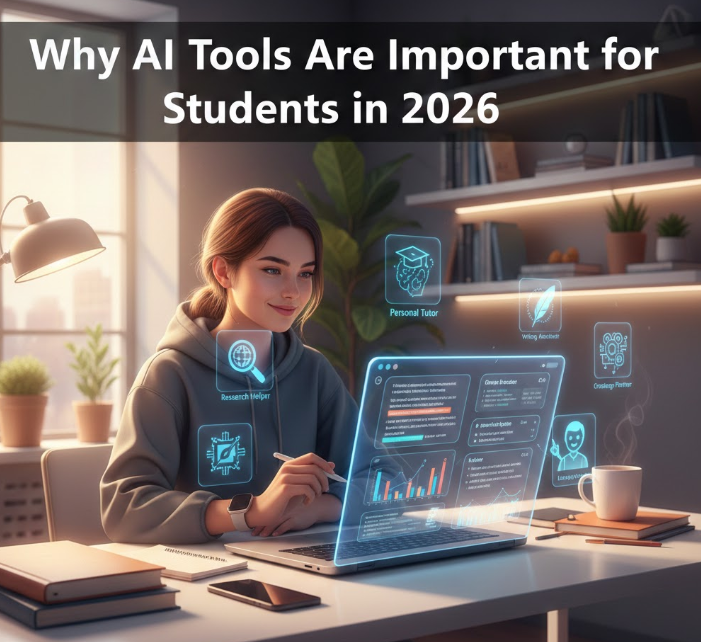
AI acts as a:
Personal tutor – Explains concepts step-by-step
Writing assistant – Helps create high-quality assignments
Research helper – Summarizes and simplifies information
Productivity manager – Organizes tasks and schedules
Creative partner – Helps generate ideas and presentations
Students who use AI tools effectively can save 5 to 15 hours every week. This saved time can be invested in revision, skill-building, or rest—reducing stress and improving performance.
Most importantly, AI doesn’t replace learning—it enhances it.
Top 10 AI Tools for Students in 2026
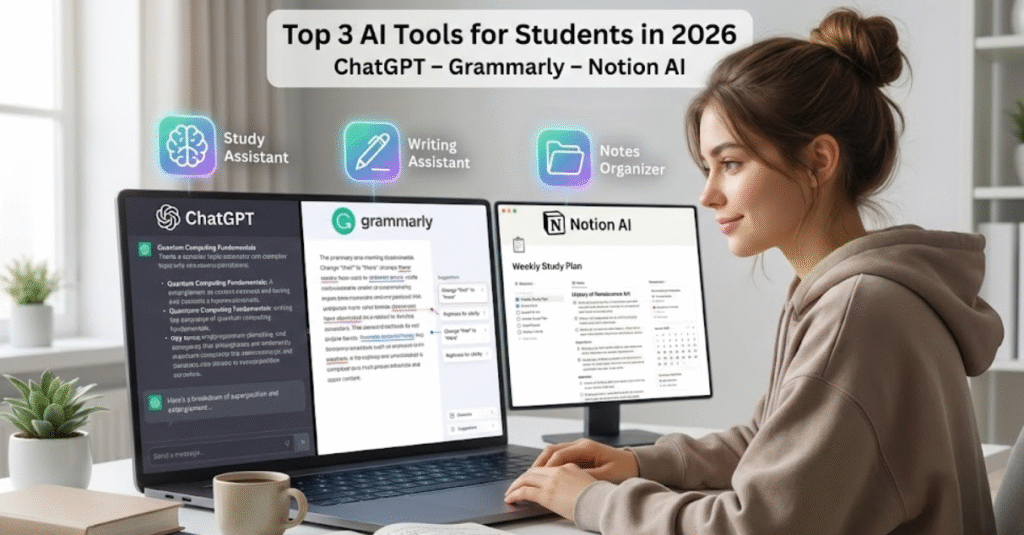
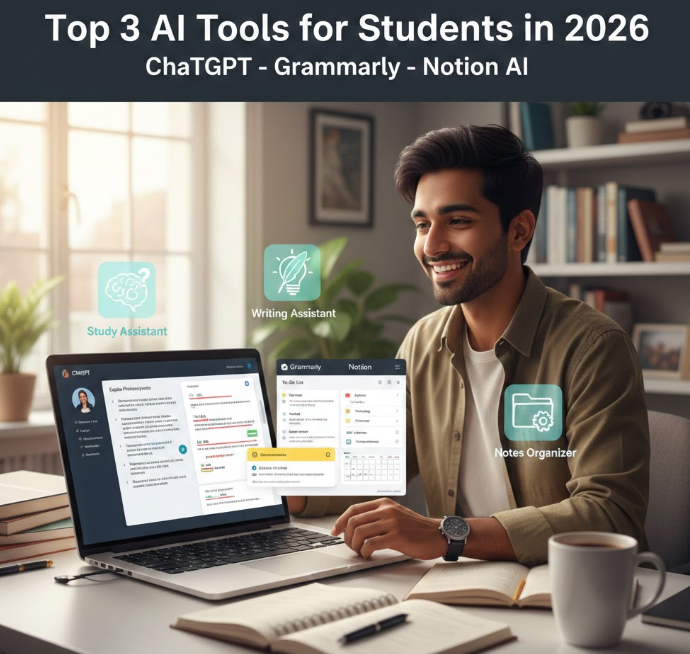
1. ChatGPT – Best AI Study Assistant
Developed by OpenAI, ChatGPT has become one of the most powerful and trusted AI tools for students worldwide. It works like a smart academic assistant that is available 24/7.
Students can ask questions, request explanations, generate content, and even learn new skills interactively.
Features
• Answers academic questions instantly
• Explains difficult topics in simple language
• Helps write essays, assignments, and reports
• Generates structured notes
• Assists with coding and technical problems
Benefits
One of the biggest advantages is time saving. Instead of searching multiple websites, students get direct and clear answers.
It also improves understanding. Students can ask follow-up questions until the concept becomes clear.
Another major benefit is availability. Students can use it anytime—during late-night study sessions or last-minute revisions.
Real-World Use Case
Imagine you are struggling to understand Quantum Physics or Calculus. Instead of feeling frustrated, you can ask ChatGPT to explain it in simple terms, with examples. It can even explain it step-by-step based on your level.
This makes learning less stressful and more effective.
2. Grammarly – Best AI Writing Assistant
Developed by Grammarly, Grammarly is one of the most essential tools for students who want to improve their writing quality.
Writing is a major part of academic life. Essays, assignments, emails, reports, and applications all require professional writing. Grammarly helps students ensure their writing is clear, correct, and impressive.
Features
• Corrects grammar mistakes
• Improves sentence clarity
• Suggests better vocabulary
• Detects tone (formal, informal, professional)
• Checks plagiarism
Benefits
Grammarly helps students submit error-free assignments. This improves grades and creates a professional impression.
It also helps students learn from their mistakes. Over time, their writing naturally improves.
Students gain more confidence when submitting essays and academic work.
Real-World Use Case
For example, if a student writes an important college assignment or scholarship essay, Grammarly ensures it looks professional, polished, and mistake-free.
This can make a huge difference in academic success.
3. Notion AI – Best for Notes and Productivity
Created by Notion, Notion AI is a powerful productivity and note-taking tool designed to help students stay organized.
Many students struggle with messy notes, forgotten tasks, and unorganized study material. Notion AI solves this problem by creating a smart and structured workspace.
Features
• Creates smart and structured notes
• Summarizes long content instantly
• Organizes study materials
• Creates task lists and study planners
• Helps manage projects and assignments
Benefits
Notion AI helps students keep everything in one place. No more searching through notebooks, files, and screenshots.
It also saves a lot of time by converting long lectures into short, clear summaries.
Students feel more organized, focused, and in control of their academic work.
Real-World Use Case
For example, if a student attends a one-hour lecture, Notion AI can convert the entire lecture into short, easy-to-read notes within seconds.
This makes revision faster and easier, especially during exams.
4. Canva AI – Best for Presentations and Visual Projects
Developed by Canva, Canva AI has completely changed how students create presentations and visual projects. Earlier, making a professional presentation required design skills and hours of effort. But now, with Canva AI, students can create beautiful, high-quality presentations in just minutes.
This tool is especially helpful for students who want their assignments to look visually impressive without spending too much time learning design.
Features
• Creates complete presentations using AI
• Generates designs based on your topic
• AI image generator for custom visuals
• Thousands of ready-made templates
• Drag-and-drop editing for easy customization
Benefits
Canva AI helps students create professional-looking presentations even if they have zero design experience.
It also saves a huge amount of time. Instead of building slides from scratch, students can focus more on content while AI handles the design.
Another benefit is confidence. Students can present their ideas more effectively with visually appealing slides.
Real-World Use Case
For example, if a student needs to create a presentation on Climate Change, they just enter the topic, and Canva AI generates slides, designs, and visuals instantly. The student only needs to review and make small edits.
5. Google Gemini – Best AI Tool for Research and Information
Developed by Google, Google Gemini is a powerful AI research assistant designed to help students find, understand, and organize information quickly.
Research is one of the most time-consuming parts of student life. Gemini simplifies this process by providing clear, structured, and relevant answers.
Features
• Helps with academic research
• Answers questions in detail
• Generates summaries and explanations
• Helps brainstorm ideas
Benefits
Gemini helps students complete research faster. Instead of reading multiple websites, students get summarized information instantly.
It also improves accuracy and understanding by providing structured responses.
Real-World Use Case
If a student is preparing a research project, Gemini can explain the topic, suggest ideas, and help structure the project properly.
6. Microsoft Copilot – Best for Word, Excel, and PowerPoint Work
Created by Microsoft, Microsoft Copilot is integrated directly into tools like Word, Excel, and PowerPoint, which students already use daily.
It works like a smart assistant inside these applications.
Read Also:- Best Free SEO Tools in the USA 2026: Keyword Research, Site Audit & Website Ranking
Features
• Helps write and edit documents in Word
• Creates presentations in PowerPoint
• Analyzes data in Excel
• Automates repetitive tasks
Benefits
Copilot significantly improves productivity. Tasks that normally take hours can be completed in minutes.
It also reduces effort by automating formatting, writing, and analysis.
Real-World Use Case
For example, if a student needs to create a project report, Copilot can generate a draft, suggest improvements, and format the document properly.
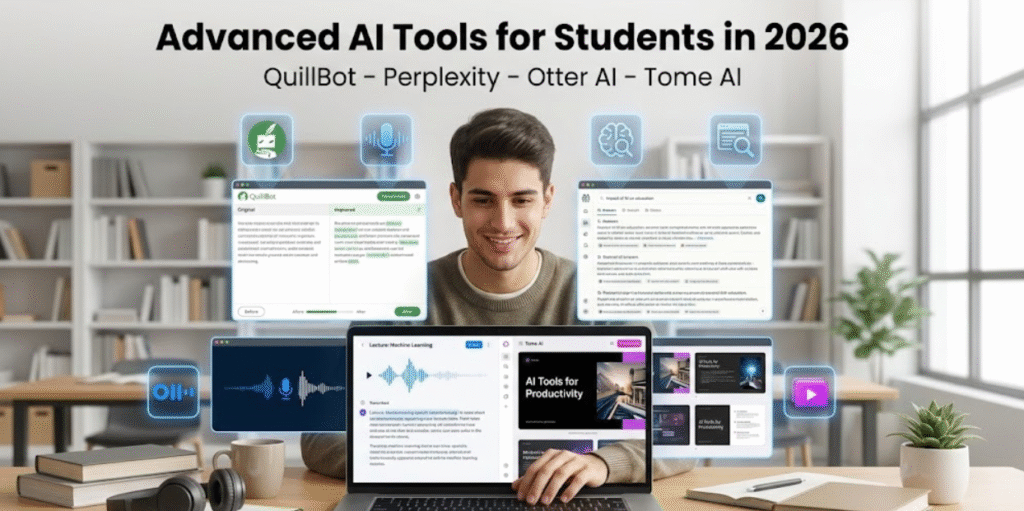
7. QuillBot – Best AI Tool for Paraphrasing and Rewriting
Developed by QuillBot, QuillBot is one of the most useful tools for improving writing and avoiding plagiarism.
Students often struggle to rewrite content in their own words. QuillBot makes this process easier and faster.
Features
• Paraphrases sentences and paragraphs
• Summarizes long content
• Grammar checking
• Improves sentence clarity
Benefits
QuillBot helps students create original content. This reduces the risk of plagiarism.
It also improves writing quality and makes assignments more professional.
Real-World Use Case
If a student finds information online, QuillBot helps rewrite it properly so the student can use it in assignments without copying.
8. Perplexity AI – Best Advanced Research Tool
Created by Perplexity AI, Perplexity AI is designed specifically for research-based tasks.
Unlike basic AI tools, it also provides sources, which makes it more reliable for academic work.
Features
• Advanced research assistance
• Provides accurate answers
• Shows source-based responses
• Helps explore topics deeply
Benefits
Perplexity AI is highly useful for academic research and projects.
Students can verify information and explore topics in depth.
Real-World Use Case
For example, college students writing dissertations or research papers can use Perplexity AI to collect trusted information quickly.
9. Otter AI – Best Tool for Lecture Notes and Recording
Developed by Otter.ai, Otter AI helps students record lectures and convert speech into written notes automatically.
This is extremely helpful for students who struggle to write notes during fast lectures.
Read Also:- Top 7 Passive Income Ideas for 2026: A Complete Blueprint for Beginners, Students & Job Holders
Features
• Converts speech into text
• Records lectures in real time
• Saves and organizes notes
• Allows easy revision
Benefits
Students never miss important information.
It also helps students focus on understanding instead of constantly writing.
Real-World Use Case
For example, during a classroom lecture, Otter AI records everything and creates complete notes automatically.
10. Tome AI – Best Tool for Presentations and Academic Projects
Created by Tome, Tome AI helps students create presentations, project reports, and academic stories using AI.
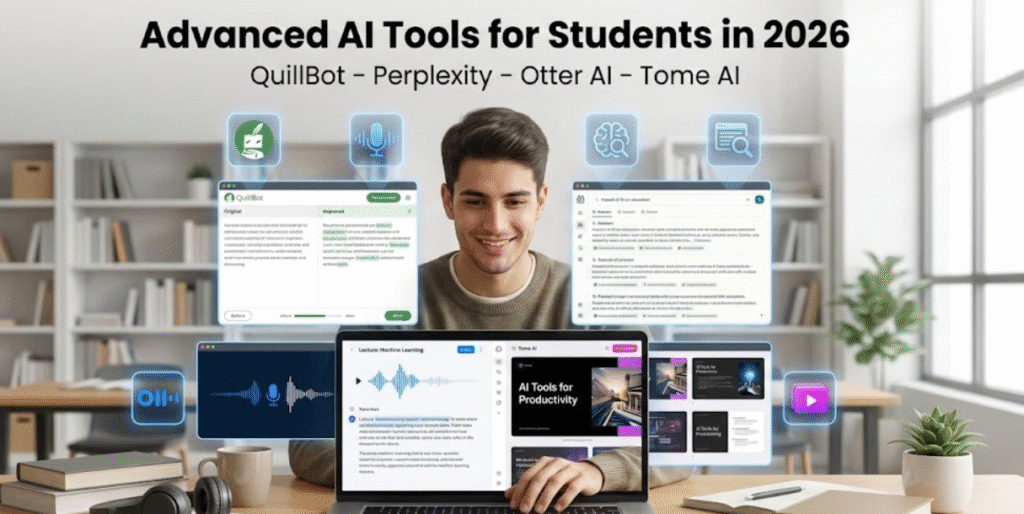
It combines writing and presentation creation in one tool.
Features
• Creates AI-generated presentations
• Generates structured content
• Helps create project reports
• Story-based presentation style
Benefits
Tome saves time and effort.
It also helps students create modern and professional presentations.
Real-World Use Case
Students can create full project presentations by simply entering their topic.
Comparison Table: Top AI Tools for Students
| Tool | Best For |
|---|---|
| ChatGPT | Study Help and Concept Understanding |
| Grammarly | Writing Improvement |
| Notion AI | Notes and Organization |
| Canva AI | Presentations and Design |
| Gemini | Research |
| Copilot | Office and Document Work |
| QuillBot | Paraphrasing |
| Perplexity AI | Academic Research |
| Otter AI | Lecture Notes |
| Tome AI | Projects and Presentations |
This comparison helps students choose the right tool based on their needs.
Real Benefits of Using AI for Students
Students who use AI tools regularly experience major improvements in their academic life.
1. Faster Learning
AI explains topics quickly and clearly.
Students understand concepts in less time.
2. Better Grades
Assignments become more structured, clear, and professional.
This leads to better academic performance.
3. Massive Time Saving
Students save more than 10 hours every week.
This time can be used for revision, rest, or skill development.
4. Improved Productivity
Students complete tasks faster and stay more organized.
They feel less stressed and more confident.
Important Warning: Use AI Smartly
AI is a powerful tool—but it must be used correctly.
Wrong Way
Copy-pasting AI content without understanding.
This harms learning and reduces real knowledge.
Right Way
Use AI to understand concepts.
Use it to improve your work—not replace your effort.
The most successful students use AI as a helper, not a shortcut.
Future of Students with AI
In the next 5 years, AI will become an essential part of education.
It will act as a:
• Personal tutor
• Study partner
• Career assistant
• Skill-building guide
Students who learn how to use AI now will have a huge advantage in academics and careers.
Those who ignore AI may struggle to compete in the future.
Final Conclusion
Artificial Intelligence is transforming education in ways we never imagined.
Tools like ChatGPT, Grammarly, Notion AI, and Canva AI are helping students:
• Learn faster
• Work smarter
• Save time
• Improve grades
AI is not just a trend—it is the future of learning.
Students who use AI wisely will achieve more success with less stress.