Best Free SEO Tools in the USA 2026 help beginners, bloggers, and businesses improve rankings without spending money. Search engines are still the most reliable long-term traffic source for websites in 2026 — and honestly, nothing else even comes close. Social media can give sudden spikes. Ads can bring instant visitors. But both stop the moment you stop posting or paying.
Search traffic is different.
When your website ranks on Google, traffic does not depend on daily posting, algorithms of social platforms, or ad budgets. A single well-ranked page can bring visitors for months — sometimes even years — without additional cost. That is why experienced marketers don’t call SEO a trick or a hack. They call it a digital asset.
Whether you run:
- a personal blog
- a local service website (plumber, repair, clinic, etc.)
- a niche content site
- or an online store
Google rankings directly impact visibility, leads, and revenue.
If someone searches “best laptop under $800”, “SEO agency near me”, or “how to start freelancing” — they already have intent. You are not convincing them to be interested. They are already interested.
Your job is simply to appear at the right moment.
The Real Problem Most Beginners Face
Here’s where most new website owners get stuck.
When they start learning SEO, almost every tutorial recommends premium tools like Ahrefs, SEMrush, or Moz. These are excellent tools — but they are also expensive.
Most paid SEO tools cost around $50 to $150 per month (and sometimes even more).
For an established business, that’s normal.
But for a beginner blogger or a small business owner who:
- just launched a website
- has little or no revenue yet
- is still testing ideas
… paying that much every month feels risky.
Many people quit SEO not because SEO is difficult — but because they think SEO requires expensive software.
That assumption is wrong.
The Truth: You Don’t Need Paid Tools to Rank
Here’s the good news — you can absolutely start SEO without paying for any software.
In fact, many experienced SEO professionals still rely heavily on free tools for daily work. The reason is simple:
Google itself provides some of the most powerful SEO data — completely free.
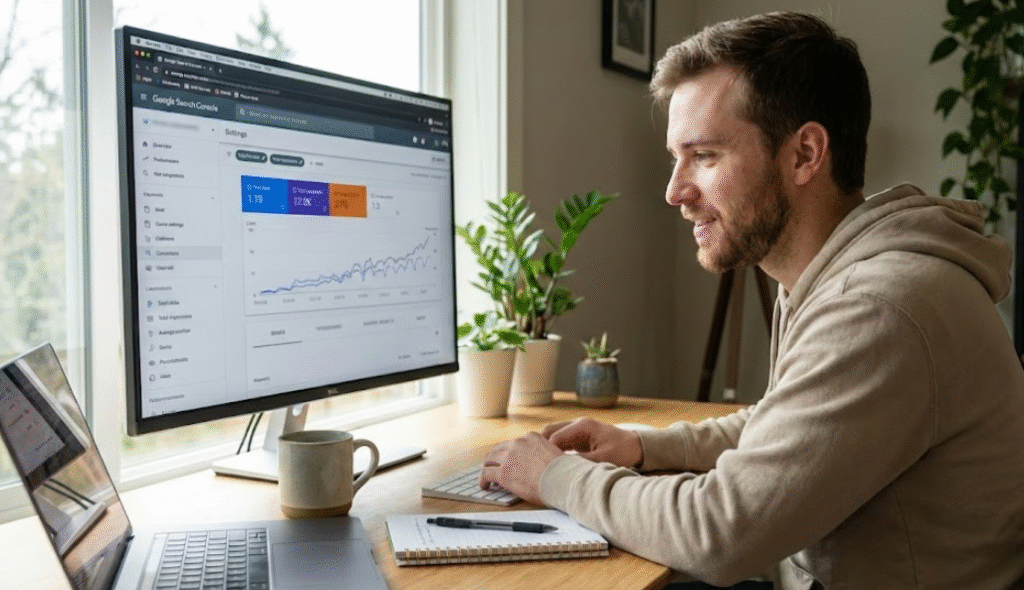
There are free tools available today that can help you:
- discover real keywords people search
- identify technical errors on your site
- understand why pages are not ranking
- optimize your articles properly
- monitor impressions, clicks, and ranking positions
When used correctly, these tools are more than enough to grow a new website from 0 traffic to consistent organic visitors.
The problem is not lack of tools.
The real problem is — beginners don’t know which tool to use first and how to combine them.
Most articles just list tools.
They don’t show workflow.
And SEO without a workflow becomes confusing very quickly.
What You Will Learn in This Guide
This guide is not just a list of tools.
Instead, you will learn a clear working system — the same practical process many marketers follow when optimizing a website.
You’ll understand:
- what SEO tools actually do (in simple terms)
- which tools you should set up first
- how to connect multiple tools together
- how to use them for real tasks (not theory)
- how beginners and small business owners can apply them immediately
By the end, you will know exactly what to do after publishing an article — not just “write content and wait”.
What Are SEO Tools?
SEO tools are software platforms that help you understand how search engines view your website and how users discover your content.
Without tools, SEO becomes guessing:
“Maybe this keyword will work.”
“Maybe Google likes long articles.”
“Maybe my website has a problem.”
With tools, SEO becomes data-driven.
Instead of assumptions, you make decisions based on real information.
SEO tools generally help in four major areas:
Read Also:- Top 10 Best Survey Apps to Earn Money in 2026 (Highest Paying & Trusted)
1. Keyword Research
This tells you what people are actually searching on Google.
Instead of writing random topics, you create content around real search demand.
For example, there is a big difference between:
- “how to earn online”
- “how to earn online without investment for students”
One is broad and competitive. The other is specific and rankable.
Keyword research tools help you find these opportunities.
2. Technical Audit
Sometimes your content is good — but Google still doesn’t rank it.
The reason is often technical.
Your website might have:
- pages not indexed
- slow loading speed
- broken links
- mobile usability issues
- crawling errors
Technical SEO tools show problems you normally cannot see manually.
3. On-Page Optimization
This helps you improve how your content is structured.
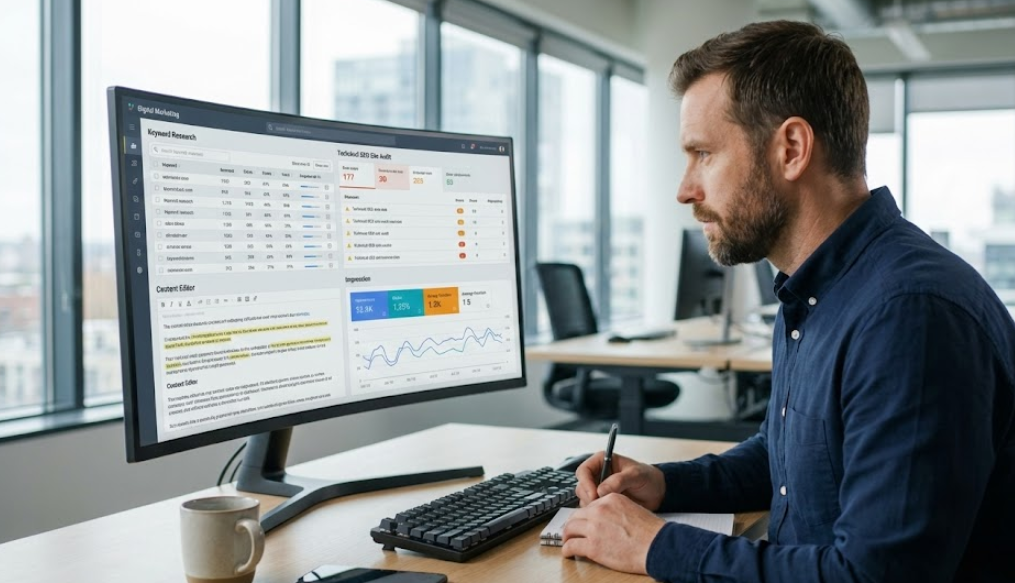
It includes:
- headings
- keyword placement
- internal linking
- page structure
- readability
Small improvements here often create big ranking improvements.
4. Performance Tracking
SEO is not instant. It is a process.
Tracking tools show:
- impressions (how many times your page appeared)
- clicks (how many users visited)
- CTR (how attractive your title is)
- average ranking position
This is extremely important because sometimes a page is almost ranking — and a small tweak can push it to page 1.
Without SEO tools, optimization becomes trial and error.
With proper tools, SEO becomes measurable, strategic, and predictable — and that is exactly how successful websites grow.
Types of Free SEO Tools
Before you start installing every SEO tool you find online, it’s important to understand one thing:
Every SEO tool has a different purpose.
One of the biggest mistakes beginners make is expecting a single tool to do everything — keyword research, technical audits, rankings, traffic analysis, and backlinks. That’s not how SEO works.

SEO becomes simple when you use the right tool for the right task.
You can think of SEO like a system:
- Keyword research tools → help you decide what to write about
- Technical SEO tools → make sure Google can access your website
- On-page SEO tools → help you structure your content properly
- Backlink tools → measure authority and trust
- Rank tracking tools → show progress over time
Understanding these categories will save you hours of confusion and help you focus on results instead of guessing.
1. Keyword Research Tools
These tools help you discover what people in the United States are actually searching on Google.
They don’t just provide keywords — they reveal search intent.
For example:
- “digital marketing” → informational search
- “digital marketing services pricing USA” → buying intent
- “best website builder for small business USA” → commercial intent
When you understand search intent, your content starts attracting the right visitors, not just random traffic.
Keyword research tools are essential for:
- blog content planning
- local business SEO
- affiliate marketing
- eCommerce SEO strategy
2. Technical SEO Audit Tools
Sometimes a website has good content but still doesn’t rank.
In many cases, the problem is not the article — it’s the website structure.

Technical SEO tools help identify:
- pages not indexed in Google
- crawl errors
- broken links
- mobile usability issues
- slow loading speed
For small business websites in the USA (especially local services), technical issues are one of the most common reasons rankings don’t improve.
Google cannot rank a page it cannot properly read.
Read Also:- Bluehost vs GoDaddy: Which Web Hosting Is Better in 2026?
3. On-Page SEO Tools
On-page SEO tools help you optimize how your content is organized.
Google doesn’t rank content just because it’s long.
It ranks content that is clear, structured, and easy to understand.
These tools help with:
- titles and meta descriptions
- heading structure (H1, H2, H3)
- keyword placement
- readability
- internal linking
This is especially important for blog SEO, local business websites, and niche content sites targeting US search traffic.
4. Backlink Checker Tools
Backlinks are one of the strongest ranking factors in SEO.
When another website links to you, Google treats it as a trust signal.
The more high-quality websites linking to your content, the higher your credibility.

Backlink tools help you:
- see who links to your website
- analyze competitor backlinks
- discover link-building opportunities
For competitive niches like real estate, insurance, law firms, and digital marketing services in the USA, backlinks often determine who ranks on page one.
5. Rank Tracking Tools
SEO is not instant — it’s a process.
Rank tracking tools monitor how your pages perform in Google search results over time.
They show:
- ranking position for target keywords
- growth trends
- pages gaining visibility
- pages losing rankings
This allows you to improve content before rankings drop and optimize pages that are close to page one.
Best Free SEO Tools (Detailed Guide)
1. Google Search Console
What it does:
Google Search Console shows how your website performs directly inside Google Search results.
In simple terms:
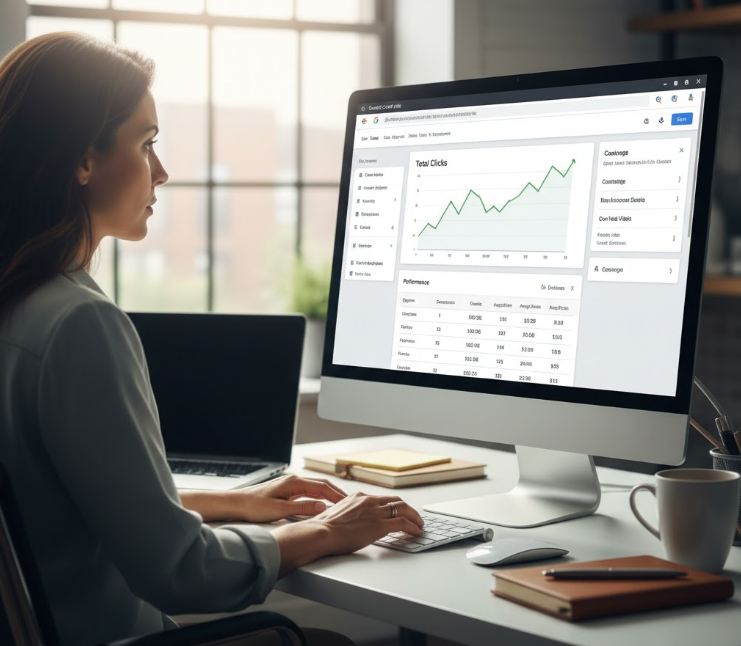
- Google Analytics shows what visitors do on your website
- Google Search Console shows how Google discovers your website
Best for:
Every website owner — bloggers, affiliate marketers, and small business websites in the USA.
This is not optional. It is a must-use SEO tool.
Key Features
- search queries and impressions
- keyword ranking data
- index coverage report
- sitemap submission
- page experience signals
Pros
- completely free
- official Google data (not estimated)
- shows real keywords your pages rank for
Cons
- no competitor analysis
- beginners may need time to understand reports
Free Limit: Unlimited for verified websites
Practical Use (Most Important Strategy)
Google Search Console is not just a reporting tool — it’s a growth tool.
Here is a powerful method:
- Open Performance → Search Results
- Apply filter: Position greater than 8 and less than 20
You will find keywords where your page ranks on page 2 of Google.
These are your fastest ranking opportunities.
Now update that article:
- add FAQ schema-style questions
- improve headings
- clarify the introduction
- add internal links from other posts
In many cases, you don’t need to write a new article.
Small improvements can move a page from page 2 to page 1 — especially for low-competition keywords in the US market.
Read Also:- Top 7 Passive Income Ideas for 2026: A Complete Blueprint for Beginners, Students & Job Holders
2. Google Analytics (GA4)
What it does:
Google Analytics tracks how users behave after they land on your website.
Google Search Console shows how visitors arrive.
Google Analytics shows what they do next.
Best For
- understanding website traffic
- analyzing user behavior
- improving content performance

Key Features
- user sessions
- traffic sources (organic search, social media, direct traffic, referrals)
- engagement time
- conversions
Pros
- deep visitor insights
- helps refine SEO content strategy
Cons
- interface can feel complex at first
Free Limit: Fully free
Practical Use
One of the most valuable uses of GA4:
Go to Reports → Engagement → Pages and Screens
Look for pages with:
high traffic but low engagement time
This tells you:
- your title and keywords are working (people click)
- your content is not satisfying the reader
To fix:
- rewrite the introduction more clearly
- add real examples
- include images or step screenshots
- shorten long paragraphs
- improve readability
Modern SEO in 2026 is no longer just keyword optimization.
Google increasingly rewards helpful content and user satisfaction.
3. Ubersuggest (Free Version)
What it does:
Ubersuggest is a keyword research and basic competitor analysis tool. It helps you discover what topics people search on Google and how difficult it will be to rank for them.
Best for: New bloggers, niche websites, and beginners learning SEO.
Key Features
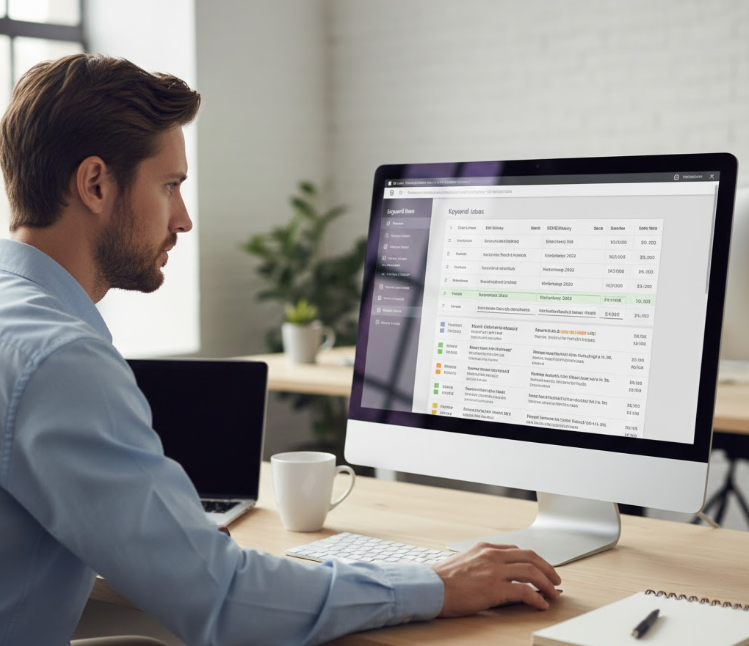
- keyword ideas & long-tail variations
- SEO difficulty score
- content ideas
- domain overview
Pros
- very easy to use
- great for finding blog topics quickly
Cons
- limited daily searches on the free plan
Free Limit: A few searches per day
How to Use It (Practical Method)
- Enter your main topic (example: “digital marketing for small business”).
- Open the Keyword Ideas section.
- Find long-tail keywords (4–6 word phrases).
- Use them naturally as headings (H2/H3) in your article.
This helps Google understand your content depth and improves chances of ranking in the US search market.
4. Ahrefs Free SEO Tools
What it does:
Ahrefs free tools mainly help you analyze backlinks and keyword opportunities. Backlinks are one of Google’s strongest ranking signals because they show trust and authority.
Best for: Backlink research and competitor authority checking.
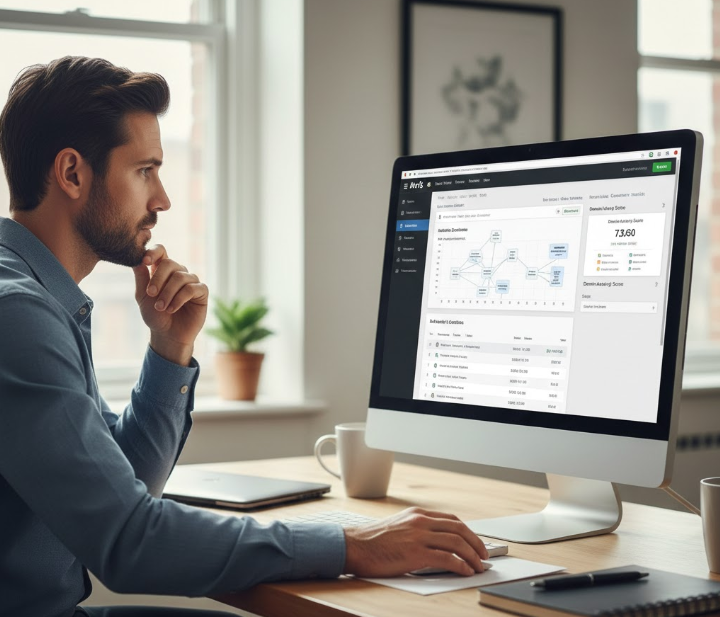
Key Features
- backlink checker
- keyword generator
- website authority score
Pros
- very reliable SEO data
- excellent for link-building strategy
Cons
- limited reports in the free version
Free Limit: Limited searches per day
How to Use It
Search your competitor’s website in the backlink checker.
You will see which websites are linking to them. Now contact similar blogs or directories and request:
Read Also:- Best SEO Tools for US Agencies 2026: A Deep, Real-World Guide Built for Results
- guest posting
- resource link
- business listing
This is especially effective for local business SEO (USA) and service websites.
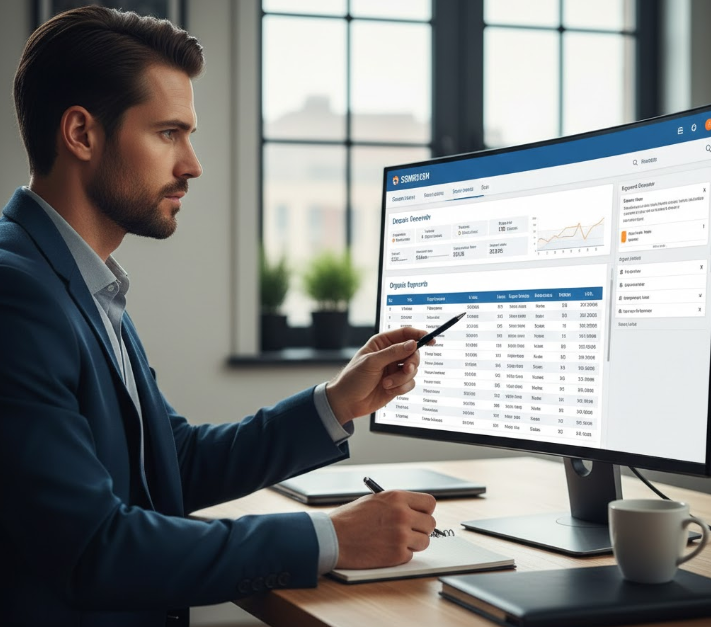
5. SEMrush Free Tools
What it does:
SEMrush helps you see what keywords bring traffic to your competitors. Instead of guessing topics, you can create content around proven search demand.
Best for: Competitor keyword strategy and content planning.
Key Features
- domain analysis
- ranking keywords
- keyword overview
- limited position tracking
Pros
- shows real competitor ranking keywords
- helpful for planning blog content
Cons
- restricted searches on free plan
Free Limit: Limited daily queries
How to Use It
- Enter a top-ranking competitor in your niche.
- Open Organic Research → Keywords.
- Find keywords where they rank in positions 5–20.
- Write a better, clearer, and more updated article on the same topic.
This method works well for affiliate blogs, informational sites, and online businesses targeting US organic traffic.
6. Screaming Frog (Free Version)
What it does:
Screaming Frog is a website crawler. It scans your entire website the same way Google’s bot does and finds technical SEO problems.
Best for: Technical SEO audits.
Key Features
- broken links (404 errors)
- missing meta titles
- duplicate meta descriptions
- redirect chains

Pros
- extremely powerful technical insights
- helps fix hidden SEO issues
Cons
- desktop software (must install on computer)
- slightly technical for beginners
Free Limit: Crawls up to 500 URLs
How to Use It
Run a crawl of your website and check:
- pages with missing titles
- duplicate descriptions
- broken internal links
Fixing these alone can improve rankings because Google prefers clean and properly structured websites.
7. Yoast SEO (WordPress Plugin)
What it does:
Yoast SEO helps you optimize blog posts while writing them inside WordPress.
Best for: WordPress bloggers and small business websites.
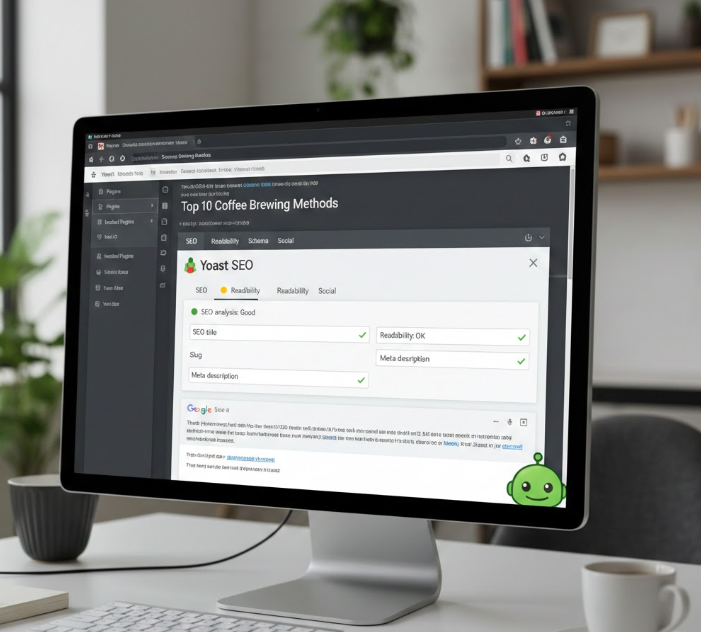
Key Features
- readability analysis
- keyword optimization suggestions
- automatic XML sitemap
Pros
- very easy optimization guidance
- beginner-friendly
Cons
- only works on WordPress
Free Limit: Core features free
How to Use It
While writing a post, Yoast checks:
- keyword in title
- keyword in introduction
- headings usage
- sentence readability
It ensures your content is optimized without keyword stuffing.
8. Google Keyword Planner
What it does:
Google Keyword Planner shows real search volume data from Google Ads. It is one of the most reliable sources for commercial keyword research.
Best for: Finding buyer-intent keywords and local SEO keywords.
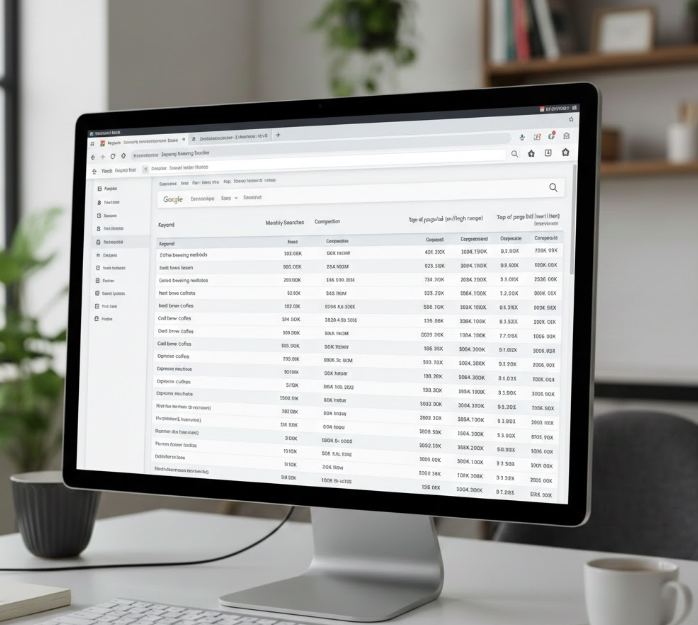
Key Features
- monthly search volume
- competition level
- cost-per-click (CPC)
Pros
- highly reliable data
- useful for business websites
Cons
- requires a free Google Ads account
Free Limit: Free account required
How to Use It
Search a service keyword like “plumbing services near me”.
Choose keywords with:
- medium competition
- consistent monthly searches
These keywords often convert better into leads and customers.
9. AnswerThePublic
What it does:
AnswerThePublic shows real questions people ask on Google.
Best for: Blog topics, informational articles, and FAQ sections.
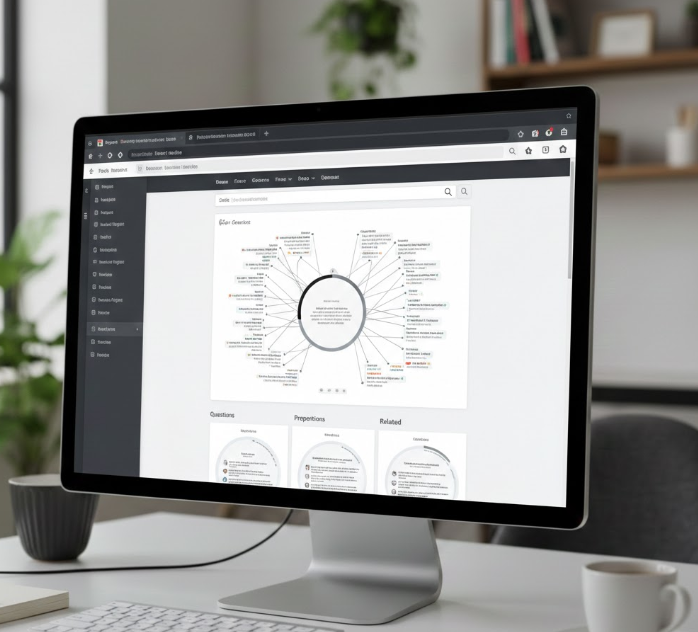
Key Features
- question-based keywords
- comparison searches
- content ideas
Pros
- excellent for content planning
Cons
- limited searches per day
Free Limit: Limited daily searches
How to Use It
Add the questions as FAQ sections at the bottom of your article.
These frequently rank in featured snippets and “People Also Ask” results.
10. PageSpeed Insights
What it does:
PageSpeed Insights measures your website loading speed and Core Web Vitals performance.
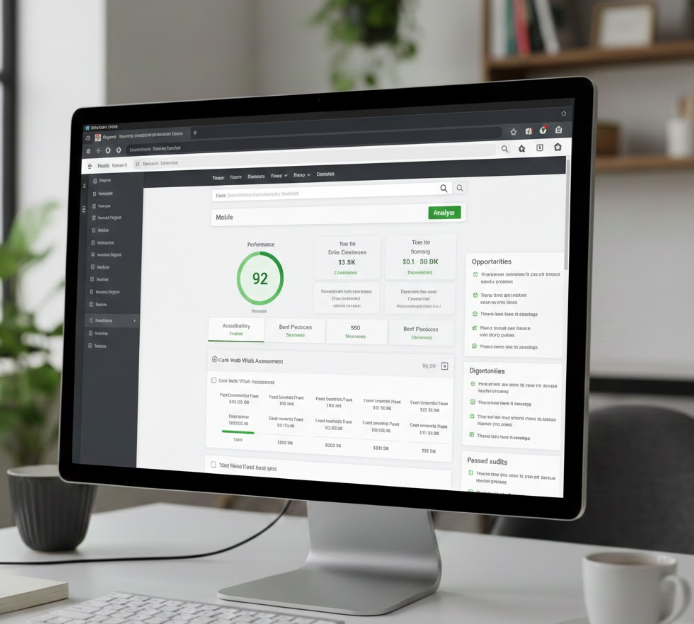
Best for: Website performance and user experience optimization.
Key Features
- mobile speed score
- desktop speed score
- improvement recommendations
Pros
- Google-recommended performance tool
Cons
- some fixes may require developer help
Free Limit: Unlimited
How to Use It
Focus on:
- compressing images
- enabling browser caching
- reducing unused scripts
A faster website improves user experience and increases ranking potential, especially for mobile users in the US.
FAQs
1. Are free SEO tools enough for a new website?
Yes. For a new blog, small business website, or niche content site, free SEO tools are more than sufficient. Tools like Google Search Console and Google Analytics provide real data directly from Google, which is often more useful than estimates from paid platforms.
2. Which free SEO tool is the most important?
Google Search Console. It shows the exact keywords your pages appear for in Google search, indexing status, and ranking performance. If you use only one SEO tool, start with this one.
3. Can I rank on Google without paid SEO tools?
Yes. Many websites rank using only free tools and strong content. Paid tools mainly save time and provide extra research features, but they are not required for ranking.
4. How long does SEO take to show results?
In most cases, you may start seeing impressions within a few weeks, but consistent traffic usually takes about 3–6 months, depending on competition, niche, and content quality.
5. Should beginners buy paid SEO tools immediately?
No. First learn keyword research, on-page optimization, and content structure using free tools. Once your website starts getting traffic or revenue, you can consider upgrading to paid tools.
Conclusion
You do not need expensive software to start SEO in 2026. With the right combination of free SEO tools and consistent effort, even a brand-new website can grow steady organic traffic.
Start by setting up Google Search Console and Google Analytics. Research keywords before writing, fix technical issues, and regularly update older posts using real search data. Over time, your content will improve, your rankings will increase, and traffic will grow naturally.
SEO is not a quick shortcut — it is a long-term strategy. Websites that focus on helpful information, clear structure, and solving real user problems are the ones that succeed.