Facebook Account Disabled 2026:- In 2026, the Facebook ecosystem has become far more AI-driven and security-focused. Facebook, now part of the Meta ecosystem, has upgraded its policies, detection algorithms, and automated monitoring systems to a level where even the slightest suspicious activity can trigger account disabling—often without any prior warning.
Thousands of users face this issue daily, especially those who rely on Facebook for business growth, running ads, affiliate marketing, or client engagement. Having your account disabled isn’t just a technical inconvenience—it can lead to loss of income, audience disconnect, and brand reputation damage.
If your account has been suddenly disabled, there’s no need to panic—because not every account ban is permanent. By identifying the exact reason and following the right recovery approach, you can regain access efficiently.
This advanced guide provides:
- 7 proven and updated reasons why accounts are getting disabled
- Some hidden triggers that most users overlook
- Step-by-step recovery strategies designed for 2026’s algorithm updates
- And preventive tips to significantly reduce the risk of future account restrictions
This article doesn’t just offer basic information—it gives you a strategic understanding of how Facebook’s system works, so you can recover your account and stay safe in the long term.
Top 7 Reasons Why Your Facebook Account Gets Disabled in 2026
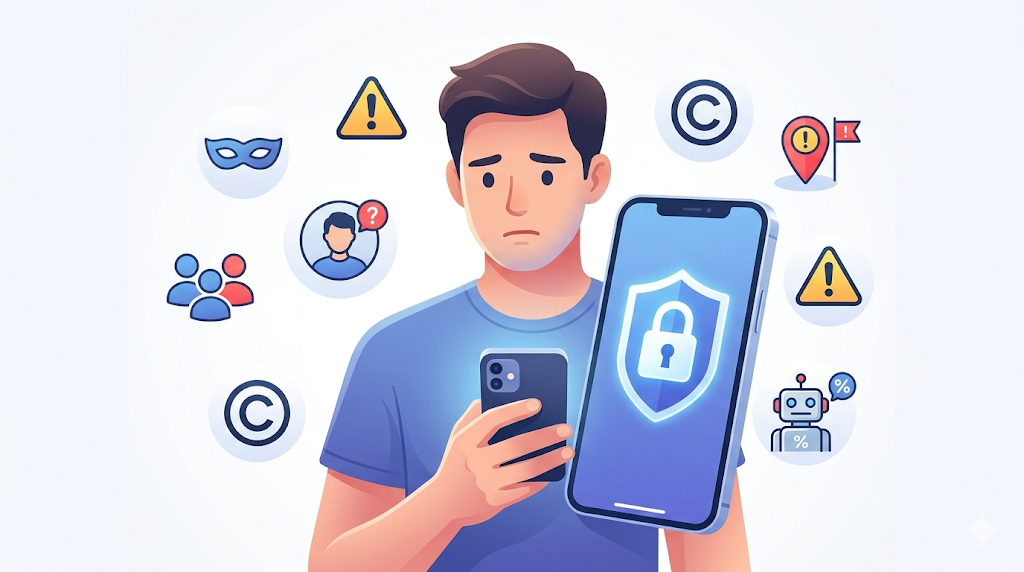
Facebook’s security and monitoring systems have evolved significantly in 2026. With AI-driven algorithms constantly analyzing user behavior, even minor violations or suspicious patterns can trigger account disabling. Understanding these reasons is crucial not just for recovery, but also for long-term account safety. Here are the top 7 reasons your Facebook account might get disabled:
1. Using a Fake Name or Fake Profile
Facebook prioritizes real identities to maintain trust and authenticity on its platform. Accounts that use fake names, pseudonyms, or completely fabricated identities are automatically flagged by Facebook’s verification system.
- Example: Creating an account with a nickname like “StarLord123” or impersonating someone else can raise immediate suspicion.
- Pro Tip: Always use your legal name or commonly recognized identity; for businesses, a verified page is safer than using a personal account.
2. Creating Multiple Personal Accounts
Maintaining more than one personal account is considered risky behavior. Facebook’s algorithms detect duplicate accounts, especially if they share login devices or network patterns, and may disable them.
- Insight: Business users often create multiple accounts to run ads or manage pages—but this should be done via Facebook Business Manager, not separate personal accounts.
3. Engaging in Spam Activities
Excessive posting of links, repetitive comments, or sending mass messages to groups can trigger Facebook’s spam detection system.
- Example: Sharing the same promotional link 50 times in different groups within hours can mark your account as spammy.
- Advanced Tip: Focus on organic engagement—personalized posts, meaningful interactions, and authentic sharing are safe and reward account health.
4. Posting Copyrighted Content Without Permission
Uploading photos, videos, music, or other intellectual property without the owner’s permission is a copyright violation. Facebook often disables accounts based on reports from copyright holders.
- Pro Tip: Always use licensed content or royalty-free resources. For creators, tagging or crediting content may reduce risk, but licensing is safest.
5. Suspicious Login Activity
Logging in from multiple locations, changing IP addresses frequently, or using unknown devices can trigger Facebook’s security alerts.
- Example: If you travel abroad and log in without enabling location verification, Facebook might see this as a potential account breach.
- Prevention Tip: Enable two-factor authentication (2FA) and login alerts to confirm your identity proactively.
6. Violating Community Standards (Hate Speech or Offensive Content)
Posting abusive, offensive, or hate-filled content violates Facebook’s Community Standards. Repeat violations can lead to permanent account disablement.
- Advanced Insight: Even subtle policy violations, like sharing borderline content or violent memes, can accumulate strikes over time.
- Best Practice: Regularly review your posts for compliance with Facebook’s 2026 updated guidelines.
7. Using Fake Likes, Followers, or Automation Tools
Buying likes, followers, or using auto-engagement tools triggers Facebook’s bot and spam detection systems. Such activities are considered inauthentic and risky.
- Example: Third-party apps that promise 1,000 likes overnight can lead to account suspension within hours.
- Pro Tip: Focus on organic growth strategies—quality content, real engagement, and targeted campaigns through official channels.
Hidden Causes (Advanced Insights) – Why Facebook Disables Accounts Without Obvious Reasons
While most users focus on common violations, the real danger in 2026 lies in hidden behavioral triggers that Facebook’s AI quietly tracks in the background. These are often ignored, yet they play a major role in account restriction or sudden disabling. Understanding these subtle patterns can give you a serious advantage in both prevention and recovery.
1. Sudden Activity on Old or Inactive Accounts
Facebook assigns a trust score to every account based on its history and activity consistency. When an account remains inactive for years and suddenly becomes highly active (likes, comments, group joins), it creates an unnatural behavioral spike.
- Deep Insight: Facebook’s AI compares your past activity with current behavior. A sudden surge looks similar to hacked or bot-controlled accounts.
- Example: A 6-year-old inactive account suddenly posting in 20 groups and sending friend requests can trigger instant review.
- Smart Strategy: Gradually “warm up” your account—start with light activity (scrolling, liking), then slowly increase engagement over 5–7 days.
2. Browser Cookies, Cache & Device Fingerprint Mismatch
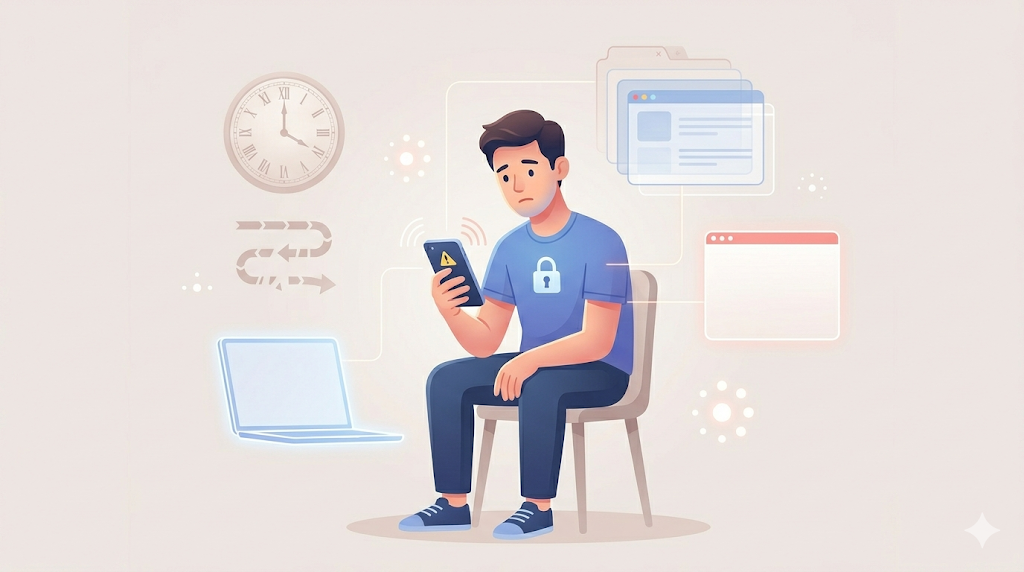
In 2026, Facebook doesn’t just track login credentials—it also monitors your device fingerprint, including browser data, cookies, extensions, and usage patterns.
- Hidden Trigger: Frequent cookie changes, corrupted cache, or switching between multiple browsers/devices can create a mismatch in your digital identity.
- Technical Insight: Facebook uses this data to confirm whether you are a consistent user or a potential intruder.
- Best Practice:
- Use a primary device and browser consistently
- Clear cache only when necessary (not before every login)
- Prefer official apps or trusted browsers like Chrome
Read also:- Best WhatsApp Marketing Tools for Online Stores in India (2026 Advanced Guide)
3. Risky Third-Party App Permissions
Many users unknowingly grant access to unverified third-party apps, games, or automation tools. These apps can perform actions in the background that violate Facebook’s policies.
- Deep Insight: Even if you are not spamming, an authorized app might be posting, liking, or collecting data—triggering Facebook’s security and spam filters.
- Risk Factor: Apps that promise growth hacks (auto-likes, auto-posting, data scraping) are the biggest threat.
- Action Plan:
- Go to Settings → Apps & Websites
- Remove all unused or suspicious integrations
- Keep only trusted and necessary tools
4. Multiple or Incorrect Profile Verification Attempts
When your account is under review, Facebook may ask for identity verification. Many users make the mistake of uploading multiple IDs repeatedly or submitting unclear documents.
- System Behavior: Multiple failed attempts signal inconsistency or possible fraud, reducing your chances of approval.
- Advanced Tip:
- Upload one clear, valid government-issued ID
- Ensure details match your profile (name, DOB)
- Avoid repeated submissions—patience increases trust score
5. Shadow Restrictions (Invisible Penalties)
Not all penalties are visible. Sometimes Facebook applies a shadow restriction, where your account appears normal, but your reach drops drastically.
- What Happens:
- Posts don’t reach followers
- Comments become less visible
- Engagement suddenly drops without explanation
- AI Insight: This is often a temporary trust reduction, not a full ban. It acts as a warning before stricter action.
- Recovery Strategy:
- Stop all aggressive activity for 24–48 hours
- Avoid posting repetitive or promotional content
- Submit a manual appeal if needed
Advanced Takeaway (Must Understand)
In 2026, Facebook’s system is no longer reacting only to direct violations—it’s analyzing behavioral patterns, consistency, and trust signals.
Most accounts don’t get disabled because of one mistake, but due to a combination of hidden triggers like:
- Sudden behavioral changes
- Device inconsistencies
- Background app activity
- Repeated verification errors
If you want to stay safe, focus on acting like a real, consistent human user, not just following rules.
How to Recover a Disabled Facebook Account (Step-by-Step – Advanced 2026 Guide)
Getting your Facebook account disabled can feel overwhelming, but recovery is absolutely possible—if you follow the right process with precision and patience. In 2026, Facebook’s recovery system is more structured and AI-assisted, so your approach must be accurate, consistent, and professional.
Below is a proven, step-by-step recovery framework that aligns with the latest system behavior:
Step 1: Attempt Login & Identify the Exact Status
Start by logging into your account using the official Facebook website or app.
- Carefully read any message shown on the screen. Facebook usually displays one of these:
- Account Disabled
- Account Under Review
- Suspicious Activity Detected
Why this matters: Each message represents a different recovery path. Misunderstanding the status can delay or even block your recovery.
Pro Insight: Take a screenshot of the message—this helps you stay consistent while submitting appeals.
Step 2: Submit an Official Appeal (Correct Way)**
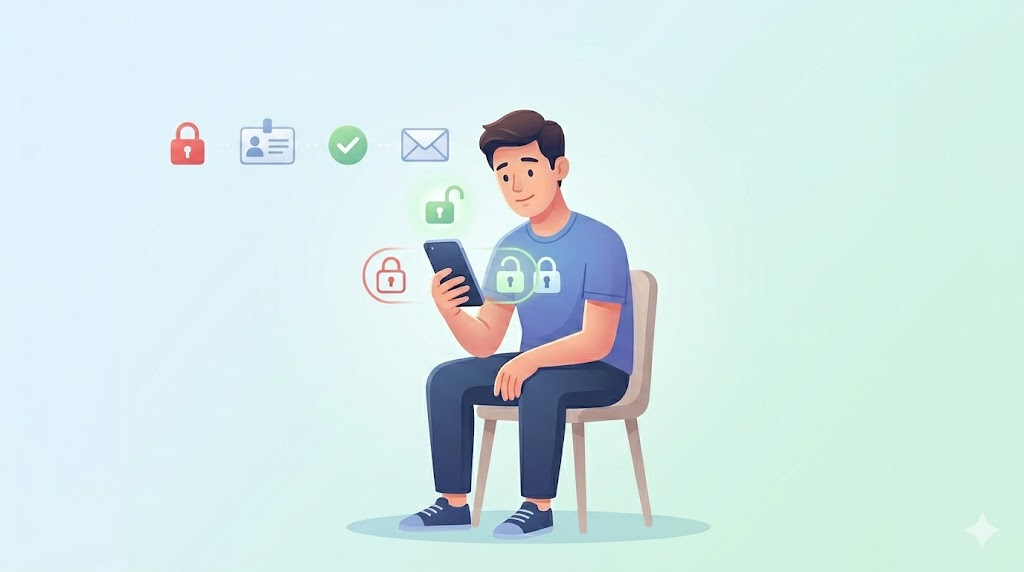
If your account is disabled, you must submit an appeal through Facebook’s official form:
👉 https://www.facebook.com/help/contact/260749603972907
- Enter your exact account details (name, email/phone number)
- Avoid typing mistakes—your data must match your original profile
Advanced Tip:
Write a clear and honest appeal message. Keep it short, professional, and to the point.
Example structure:
- State that your account was disabled unexpectedly
- Confirm that you follow community guidelines
- Request a review politely
Avoid emotional or aggressive language—Facebook’s system prefers neutral and factual communication.
Step 3: Upload a Valid Government ID (Critical Step)
Identity verification is one of the most important steps. You’ll be asked to upload a valid ID such as:
- Aadhaar Card
- Passport
- Driving License
- Voter ID
Best Practices (Very Important):
- Upload a clear, high-quality image (no blur, no glare)
- Ensure your name and date of birth match your profile
- Avoid editing or cropping the ID excessively
Hidden Tip: A mismatched or unclear ID is one of the biggest reasons for rejection. Accuracy here directly impacts success rate.
Step 4: Monitor Your Email & Support Inbox
After submitting your appeal, Facebook communicates via your registered email.
- Check your Inbox, Spam, and Promotions folders regularly
- You may receive:
- Confirmation of review
- Request for additional documents
- Final decision (restore or reject)
Pro Strategy: Respond quickly if Facebook asks for more details—delays can slow down the process or reset your position in the review queue.
Step 5: Wait Strategically (Do Not Spam Requests)**
Facebook’s review process typically takes 24 hours to 7 days, but in some cases, it may extend further depending on complexity.

What NOT to do during this time:
- Don’t submit multiple appeals repeatedly
- Don’t try logging in from different devices every hour
- Don’t create new accounts linked to the same data
Why: These actions reduce your trust score and can make recovery harder.
Smart Approach: Stay inactive, maintain consistency, and let the review process complete naturally.
Read Also:- How to Fix a Disabled or Restricted Facebook Account: Complete Recovery Guide
Advanced Recovery Insights (2026 Algorithm Behavior)
- Facebook prioritizes accounts with consistent identity signals (same name, device, location)
- One strong, accurate appeal is more effective than multiple weak attempts
- Recovery success depends on trust + verification accuracy, not speed
Final Takeaway
Recovering a disabled Facebook account is not about shortcuts—it’s about following a structured process with discipline.
If you:
- Provide accurate information
- Submit a clean and valid ID
- Avoid repeated or suspicious actions
Your chances of recovery increase significantly.
Advanced Recovery Tricks (Lesser-Known Hacks – 2026 Expert Guide)
Recovering a disabled Facebook account requires more than just submitting an appeal. In 2026, the system evaluates user behavior, trust signals, and recovery attempts in a structured way. By using lesser-known but effective methods, you can improve your chances of recovery and reduce the time it takes to regain access.
1. Trusted Contacts Recovery
If you have already enabled Trusted Contacts, this feature can help you recover your account through identity verification using your selected friends. Facebook provides a secure link or code that your trusted contacts can share with you.
This method adds a human verification layer, which can sometimes work more effectively than automated checks. However, it only works if it was set up before your account was disabled, so it is important to configure this feature in advance.
2. Enable Login Alerts for Faster Detection
Login alerts help you detect suspicious activity at an early stage. When Facebook notices a login attempt from a new device or location, it immediately notifies you.
Early action can prevent your account from being fully restricted. Enabling alerts on both email and mobile ensures that you stay informed and can respond quickly, which also strengthens your account’s security profile.
3. Use Help Center Support Inbox
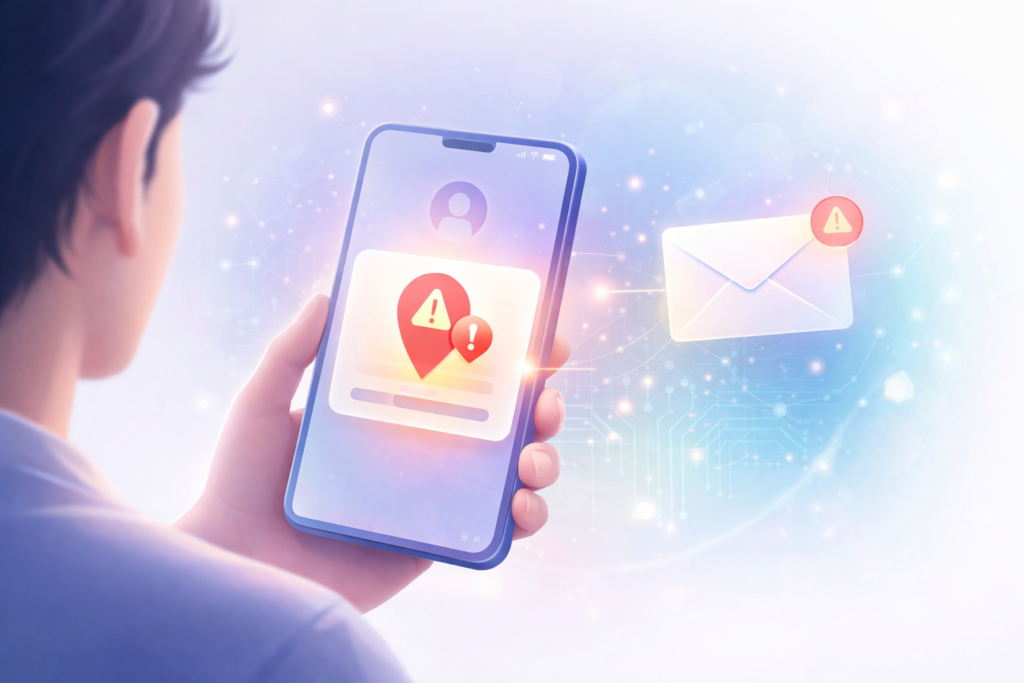
Many users rely only on the appeal form and wait for a response, but a more effective approach is to actively monitor the Help Center Support Inbox.
This section is directly connected to your account’s case history. Checking it regularly allows you to track updates, respond to additional requests, and stay engaged in the recovery process. Compared to email, this method is often more reliable and structured.
Read Also:- Google Ads vs Meta Ads 2026: Which Platform Gives Better ROI and Conversions?
4. Switch Between App and Browser
In some cases, restrictions are not applied uniformly across platforms. If you are unable to access your account through the mobile app, try logging in through a desktop browser.
Different platforms use different authentication layers. A temporary restriction on the app may not apply to the browser, allowing you to access your account and complete verification steps.
Secret Pro Tips to Avoid Future Disable
5. Regularly Check Login History
Go to your security settings and review the “Where You’re Logged In” section. If you notice any unknown devices or locations, log them out immediately.
This helps maintain account security and reduces the chances of being flagged for suspicious activity.
6. Avoid Sudden Activity Spikes
Unnatural activity patterns are one of the main reasons accounts get flagged. Posting too frequently, sharing multiple links in a short time, or sending bulk requests can trigger Facebook’s monitoring system.
Maintaining a gradual and consistent activity pattern is the safest approach.
7. Monitor Content Quality and Language
Facebook’s AI evaluates not just what you post, but how you post it. Offensive language, controversial content, or repetitive messaging can negatively impact your account.
Keeping your content simple, clear, and meaningful helps maintain a healthy account profile.
8. Use Multiple Recovery Channels
Relying on a single recovery method may slow down the process. A better approach is to combine different options such as the official appeal form, Help Center Support Inbox, and Trusted Contacts if available.
Using multiple verified channels increases your visibility in the system and improves your chances of faster recovery.
Final Takeaway
Recovering a Facebook account in 2026 is a structured process that depends on accuracy, consistency, and patience. Users who follow a strategic approach, avoid repeated mistakes, and maintain a clean digital behavior pattern are more likely to succeed.
Common Mistakes Users Make (That Increase Disable Risk)
Even after submitting a recovery request, many users unknowingly make mistakes that reduce their chances of getting their Facebook account back. In 2026, Facebook’s system closely tracks user behavior during the recovery phase, so avoiding these errors is critical.
Submitting the appeal form multiple times is one of the most common mistakes. Users often think repeated submissions will speed up the process, but in reality, it creates duplicate requests and lowers your trust score. Facebook may treat this as spam behavior.
Using a VPN while logging in is another risky action. When your IP address keeps changing across different locations, it creates a mismatch in your identity signals. This can make Facebook suspect unauthorized access or account takeover attempts.

Uploading a fake or edited ID is a serious mistake. Facebook’s verification system is advanced enough to detect inconsistencies in documents. If your ID does not match your profile details or appears manipulated, your account may face permanent disablement.
Rapid posting or excessive activity during or after recovery is also harmful. Posting too frequently, sharing multiple links, or sending bulk requests can trigger spam detection again, even if your account is under review.
Read Also:- Best Digital Ads Agency in Delhi | JKS Digital – Results That Speak!
The correct approach is to stay patient, use a valid government ID, and maintain a slow and natural activity pattern once access is restored.
Preventive Checklist for Future Account Safety
To avoid future account disabling, it is important to build a strong security and behavior foundation. Following these best practices can significantly reduce your risk.
Use a strong and unique password that is not shared with other platforms. This minimizes the chances of unauthorized access.
Enable two-factor authentication (2FA). This adds an extra layer of security by requiring a verification code during login attempts.
Set up trusted contacts in advance. This provides an additional recovery option if you lose access to your account.
Regularly monitor your login activity through the security settings. Immediately log out from any unknown devices or locations.
Review apps and website permissions linked to your account. Remove any unused or untrusted third-party access to prevent background activity issues.
Recovery Timeline (What to Expect)
Understanding the expected recovery time based on the type of issue can help you stay patient and avoid unnecessary actions.
For a shadow ban, recovery usually takes around 1 to 2 days. The best approach is to wait and avoid any unnecessary activity during this period.
In case of a minor violation, recovery typically takes between 24 to 72 hours. Submitting a proper appeal along with correct ID verification increases the chances of quick resolution.
For major violations, the process can take 7 to 15 days or even longer. In such cases, using multiple recovery channels carefully and maintaining patience is essential for success.
Final Insight
Most users fail to recover their accounts not because of the violation itself, but because of the mistakes they make during the recovery process. A calm, accurate, and strategic approach is the key to both recovery and long-term account safety.
FAQ
Q1. What should I do after my Facebook account is disabled?
The first step is to identify the exact status of your account by attempting a login. Once confirmed, submit an official appeal through Facebook’s help form and complete the identity verification process using a valid government ID. Avoid making multiple attempts and wait for a response.
Q2. How long does it take to recover a Facebook account?
Recovery time usually ranges from 24 hours to 7 days. However, it depends on the type of violation, accuracy of your submitted details, and how quickly you respond to Facebook’s verification requests.
Q3. Can a permanently disabled Facebook account be recovered?
In some cases, recovery is possible if the disablement was due to a misunderstanding or incorrect flagging. However, if the violation is severe, such as repeated policy breaches or identity fraud, recovery chances are very low.
Q4. What should I do if my account is shadow banned?
If your account is under a shadow restriction, the best approach is to stop all unnecessary activity for 24 to 48 hours. Avoid posting repetitive or promotional content and, if needed, submit a proper appeal to request a review.
Conclusion
In 2026, Facebook account disabling is no longer a random event but a result of advanced AI systems analyzing user behavior, activity patterns, and trust signals. Understanding both common and hidden reasons behind account restrictions gives you a clear advantage in preventing and recovering from such issues.
The key to success lies in following a structured approach. Identifying the exact problem, submitting accurate information, and maintaining patience during the recovery process can significantly improve your chances of getting your account back.
At the same time, long-term safety depends on consistent and responsible usage. Avoiding suspicious activity, securing your account with proper settings, and following platform guidelines ensures that your account remains stable and protected.
Treat your Facebook account as a valuable digital asset. With the right strategy, awareness, and discipline, you can not only recover your account but also prevent future disruptions effectively.