AI Video Editing Tools 2026:- Video editing has always been a time-consuming and complex process. Whenever someone creates a video, they go through many steps such as cutting raw clips, removing unwanted parts, adjusting audio, adding subtitles, adding transitions, and exporting the final file. Even a small video can easily take 4 to 5 hours or more to complete.
Traditionally, editors use professional tools like Adobe Premiere Pro or Final Cut Pro. These tools are powerful, but they require manual effort, technical knowledge, and a lot of time. Because of this, beginners often feel overwhelmed, and even professionals spend hours on repetitive editing tasks.
This creates a common problem for creators: too much time spent on editing and less time for content creation. As a result, many people struggle to post content regularly.
In 2026, artificial intelligence has completely changed this situation. AI-powered video editing tools now handle many editing tasks automatically. Instead of doing everything manually, users can now rely on smart automation.
These tools use technologies like Machine Learning to understand video content. They can automatically detect important scenes, remove silence, fix audio issues, and even generate subtitles without manual input.
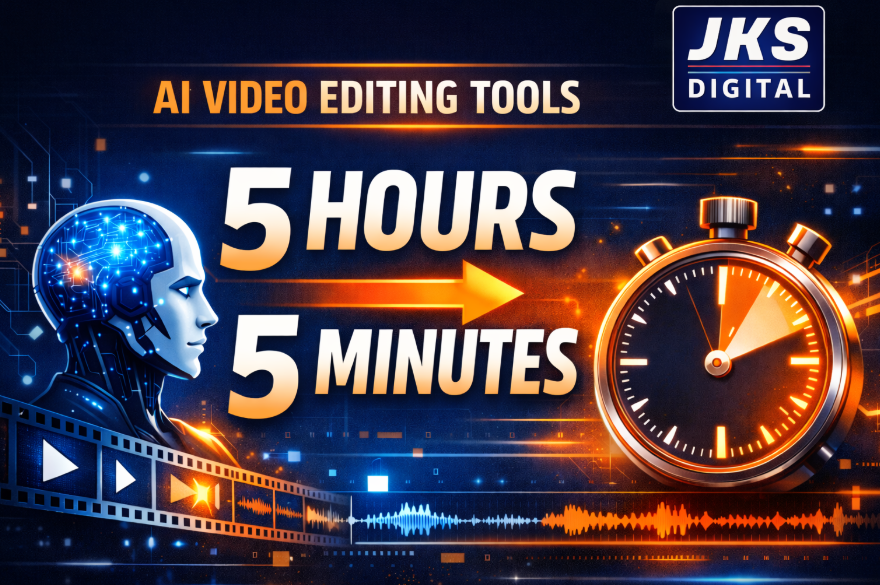
This means tasks that earlier took 4 to 5 hours can now be completed in just a few minutes. The biggest change is not only speed but also consistency and ease of use.
For example, in talking videos, AI can automatically remove mistakes, long pauses, and filler words. It creates a clean and professional-looking video without requiring advanced editing skills.
Today, AI video editing is not just a trend. It has become an essential tool for YouTubers, freelancers, marketers, and businesses who want to create content faster and more efficiently.
What is AI Video Editing? (Simple Explanation)
AI video editing refers to the use of smart software that can automatically edit videos with minimal manual effort. Instead of doing every task step by step, the software analyzes your video and performs editing tasks on its own based on patterns, content, and context.
In traditional editing, a creator has to manually cut clips, adjust audio, add subtitles, apply transitions, and fine-tune every detail. But in AI-based editing, most of these tasks are handled automatically by the system.
For example, modern AI editing tools can:
- Automatically remove silent or unnecessary parts from a video
- Generate accurate subtitles in real time
- Suggest or apply suitable transitions and visual effects
- Create complete short videos from a script or text input
In simple terms, AI video editing works like a personal video editor that operates much faster, requires no breaks, and costs significantly less than hiring a human editor.
It understands the content of your video and tries to improve it based on structure, clarity, and engagement patterns.
Why AI Video Editing is Growing Fast in 2026
AI video editing is growing rapidly in 2026 because of major changes in content creation behavior, technology advancement, and user expectations. There are three main reasons behind this growth:
1. Content Demand is Increasing Rapidly
Today, almost every platform is focused on video content. Platforms like YouTube, Instagram Reels, and short-form video apps have created a massive demand for daily video production. Businesses, influencers, and marketers all need consistent video output, which has increased the pressure on editing workflows.
As content demand increases, traditional manual editing becomes difficult to manage at scale.
2. Time Efficiency Has Become a Priority
Modern creators no longer want to spend several hours editing a single video. The focus has shifted from perfection to speed and consistency.
Whether it is a freelancer managing multiple clients or a creator uploading daily content, time has become one of the most valuable resources. AI editing tools solve this problem by significantly reducing editing time.
Read Also:- Top 10 Hidden AI Tools for Beginners (Most People Don’t Know About)
3. Automation Technology Has Improved Significantly
In recent years, automation has become highly advanced due to improvements in systems like Machine Learning. These systems can now understand video structure, detect speech, identify key moments, and make editing decisions with high accuracy.
Earlier, such tasks required skilled human editors, but now AI can handle many of them automatically with impressive results.
Top AI Video Editing Tools in 2026 (Detailed Explanation)
In 2026, AI video editing tools have become a core part of content creation. These tools are designed to reduce manual effort, speed up editing, and help even beginners create professional-quality videos without technical skills.
Below are the most powerful AI video editing tools explained in a clear and practical way.
1. CapCut AI
CapCut is one of the most widely used AI video editing tools in 2026, especially for short-form content creators like YouTubers, Instagram influencers, and TikTok editors.
It is popular because it combines simplicity with powerful AI features.
What makes it useful:
CapCut AI automatically handles many editing tasks that normally take a lot of time. Instead of manually cutting clips and adding effects, the tool does it in a few clicks.
Key features:
- Auto captions: It listens to your audio and generates subtitles automatically with high accuracy
- One-click editing: Adds transitions, filters, and effects instantly
- Background removal: Removes video background without green screen
- Smart resizing: Adjusts videos for different platforms like YouTube Shorts, Reels, or TikTok
Real example:
If you upload a raw talking video, CapCut AI will automatically remove silent parts, generate subtitles, and apply smooth transitions. This makes the video ready for social media in minutes.
2. Pictory AI
Pictory is mainly designed for turning written content into professional videos. It is especially useful for bloggers, content marketers, and businesses.
This tool is powerful because it removes the need for manual video editing completely when you already have text content.

Key features:
- Converts blog posts or scripts into videos automatically
- Adds relevant stock footage based on text understanding
- Generates AI voiceovers for narration
- Automatically matches visuals with sentences
Real example:
If you paste a blog article, Pictory AI will analyze the text and create a complete video by selecting images, clips, and voiceover. You do not need to search for footage or edit timelines manually.
3. Runway ML
Runway ML is an advanced AI tool used by professionals, filmmakers, and creative editors.
It is known for its high-end AI capabilities and is widely used for complex editing tasks.
Key features:
- Object removal from videos without manual masking
- AI video generation from text prompts
- Advanced background removal without green screen
- Motion tracking and visual effects automation
Real example:
If there is an unwanted object or person in your video, Runway ML can remove it automatically while keeping the background natural. This saves hours of manual editing work.
Read Also:- 15 Best AI Tools for Students in 2026 (Free Tools for Homework, Notes & Study)
4. Descript
Descript is a unique AI editing tool that changes the way editing is done. Instead of editing video timeline, you edit text.

This makes it one of the easiest tools for beginners.
Key features:
- Video editing through text editing
- Automatic removal of filler words like “um” and “uh”
- AI voice cloning for replacing or fixing audio
- Screen recording and podcast editing features
Real example:
When you import a video, Descript converts speech into text. If you delete a line in the text, it is automatically removed from the video. This makes editing extremely fast and simple.
5. InVideo AI
InVideo AI is focused on marketing, advertising, and business content creation.
It is designed for users who want to create videos quickly without learning editing skills.
Key features:
- Text-to-video generation
- AI script writing assistance
- Ready-made professional templates
- Automatic scene creation with stock media and music
Real example:
If you type a simple instruction like “create a promotional video for a product,” the AI will automatically generate a complete video with visuals, text overlays, and background music.
Key Insight
The biggest advantage of these AI tools is not just speed, but simplicity. They reduce technical barriers and allow anyone to create high-quality videos without professional editing knowledge.
How AI Saves 5 Hours of Work (Real Workflow)
To understand the real power of AI video editing, let’s compare a traditional editing workflow with an AI-powered workflow using a simple practical example.
This will clearly show how tasks that normally take hours can now be completed in minutes.
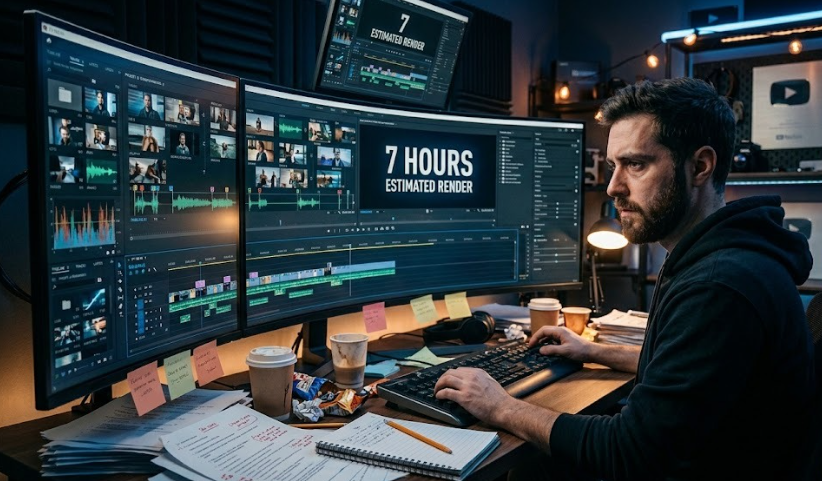
Without AI (Traditional Video Editing Workflow)
In a traditional setup, a creator or editor has to manually handle every step of the editing process. Each task requires time, focus, and technical effort.
Read Also:- 6 Best Content Research Tools for Bloggers in 2026 (Free & Paid)
Typical workflow looks like this:
- Cutting clips: Around 1 hour
The editor watches the full footage, removes mistakes, pauses, and selects usable parts manually. - Adding captions: Around 1 hour
Subtitles are written or synced manually with the audio, which requires precision and time. - Transitions and effects: Around 1 hour
Each scene transition, zoom effect, or animation is added one by one.
- Audio sync and correction: Around 1 hour
Background music, voice, and sound effects are balanced and adjusted manually. - Final review and adjustments: Around 1 hour
The editor checks the full video again, fixes errors, and exports the final version.
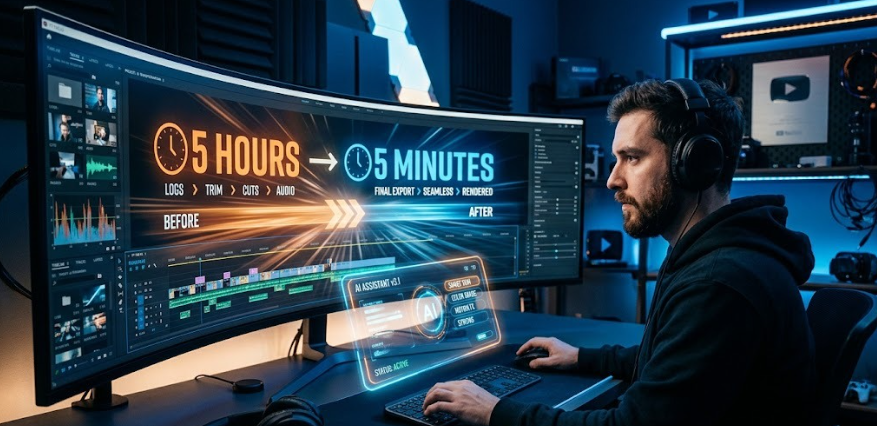
Total time required: Approximately 5 hours for a single video
This workflow becomes even longer if the video is complex or requires multiple revisions.
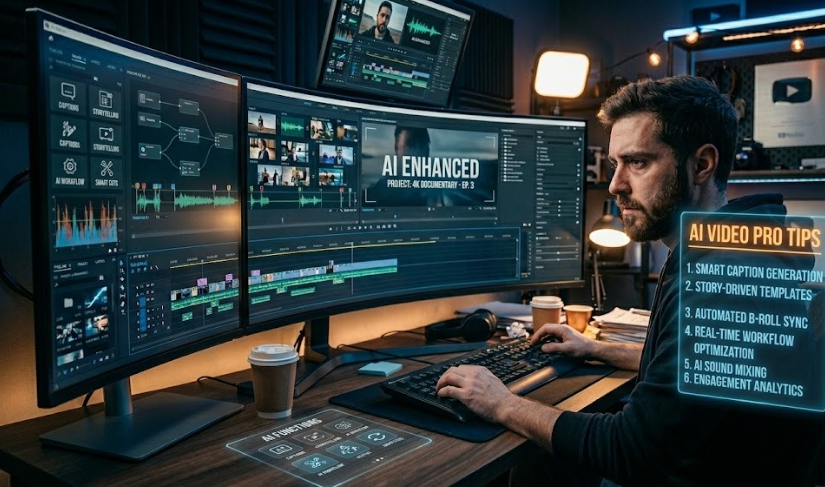
With AI (Modern AI Video Editing Workflow)
Now let’s see how AI changes the same process.
AI-powered tools use automation and intelligent processing to handle most of these steps automatically.
Here’s how the same workflow looks with AI:
- Automatic clip cutting: AI detects silence, mistakes, and unnecessary parts instantly
- Auto captions: Subtitles are generated automatically with speech recognition
- Smart transitions: AI applies smooth transitions based on scene changes
- Audio optimization: Voice, music, and sound levels are automatically balanced
- Final export: Video is ready with minimal manual review
Total time required: 5 to 10 minutes
Why This Difference Matters
The main reason AI saves so much time is because it eliminates repetitive manual work. Instead of editing frame by frame, AI analyzes the entire video in seconds and makes decisions based on patterns and context.
This is powered by technologies like Machine Learning, which allow systems to understand speech, visuals, and timing automatically.
Key Insight
The biggest transformation is not just speed. It is the shift from manual effort to smart automation.
What used to take hours of focus and technical skill can now be completed with a few clicks, allowing creators to focus more on ideas, storytelling, and content strategy.
With AI (Real Workflow Difference)
Now let’s see the same process with AI tools:
- Upload video → AI automatically edits the footage
- Captions are generated automatically using speech recognition
- Effects, transitions, and cuts are applied based on scene analysis
Total time required: 5–10 minutes
This is the real power of AI video editing. It removes repetitive manual work and speeds up the entire process without reducing basic quality.
Beginner Guide: How to Start with AI Video Editing
If you are completely new to AI video editing, you don’t need advanced skills. You can start with a simple step-by-step approach:
- Choose a beginner-friendly tool like CapCut or InVideo AI
- Upload your raw video or script
- Use built-in AI features like auto-edit, auto captions, or templates
- Review the output and make small manual adjustments if needed
- Export the final video in the required format
This process is simple because AI handles the technical part, and you only focus on content quality.
Pro Tips and Hidden Tricks (Important for Better Results)
If you want better output from AI video editing tools, follow these practical tips:
- Always use AI-generated captions because they improve viewer engagement and retention
- Keep your videos short, clear, and focused on one topic
- Combine two tools for better results (for example, one tool for scripting and another for editing)
- Use AI for rough editing, then do final manual polishing for better quality control
- Focus more on storytelling and content value instead of only editing effects
Important insight:
AI improves speed, but creativity improves performance. Both must work together.
Common Mistakes to Avoid
Many beginners make mistakes while using AI tools. Avoid these to get better results:
- Depending completely on AI without reviewing the final output
- Overusing effects and transitions, which reduces video quality
- Ignoring audio clarity, which affects viewer experience
- Not optimizing videos for the right platform (YouTube, Instagram, etc.)
Remember, AI is a support system, not a replacement for your judgment.
Future of AI Video Editing
In the coming years, AI video editing will become even more advanced:
- Full videos will be created from simple ideas or prompts
- Editing skills will become less technical and more creative
- Content creation will become faster and more automated
This means the focus will shift from “how to edit” to “what to create.”
Conclusion
AI video editing is not something coming in the future — it is already shaping the present content creation industry.
If you want to save time, increase productivity, and create consistent content, then starting with AI tools is no longer optional.
The best approach is simple: start small, learn step by step, and improve gradually. Consistency combined with AI tools leads to faster growth and better content output over time.